
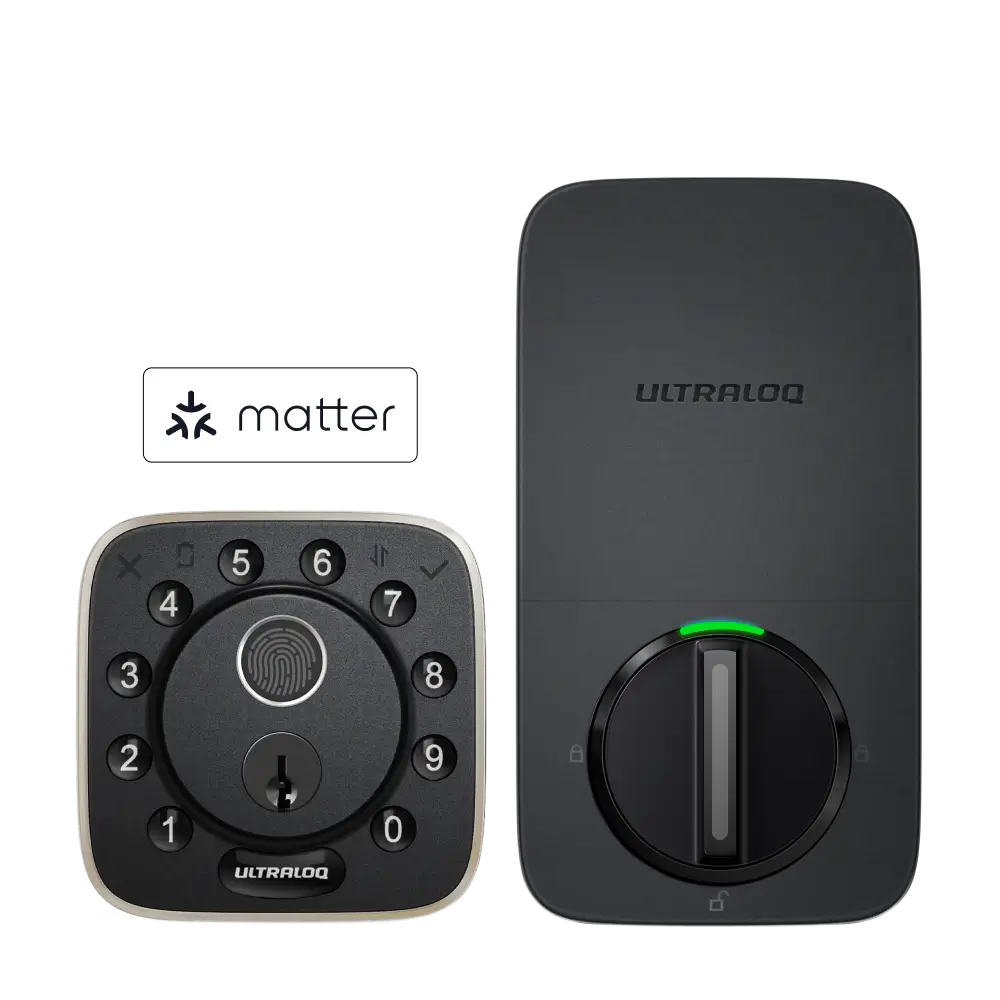

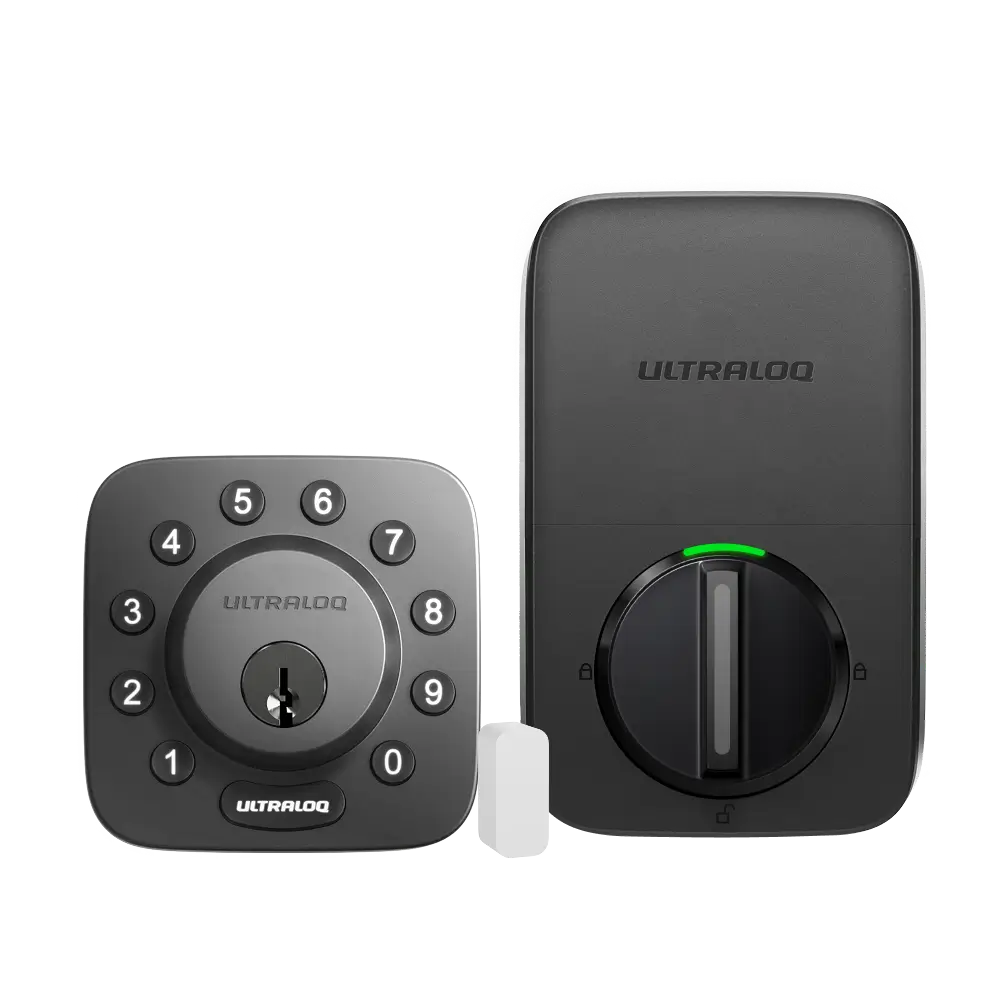
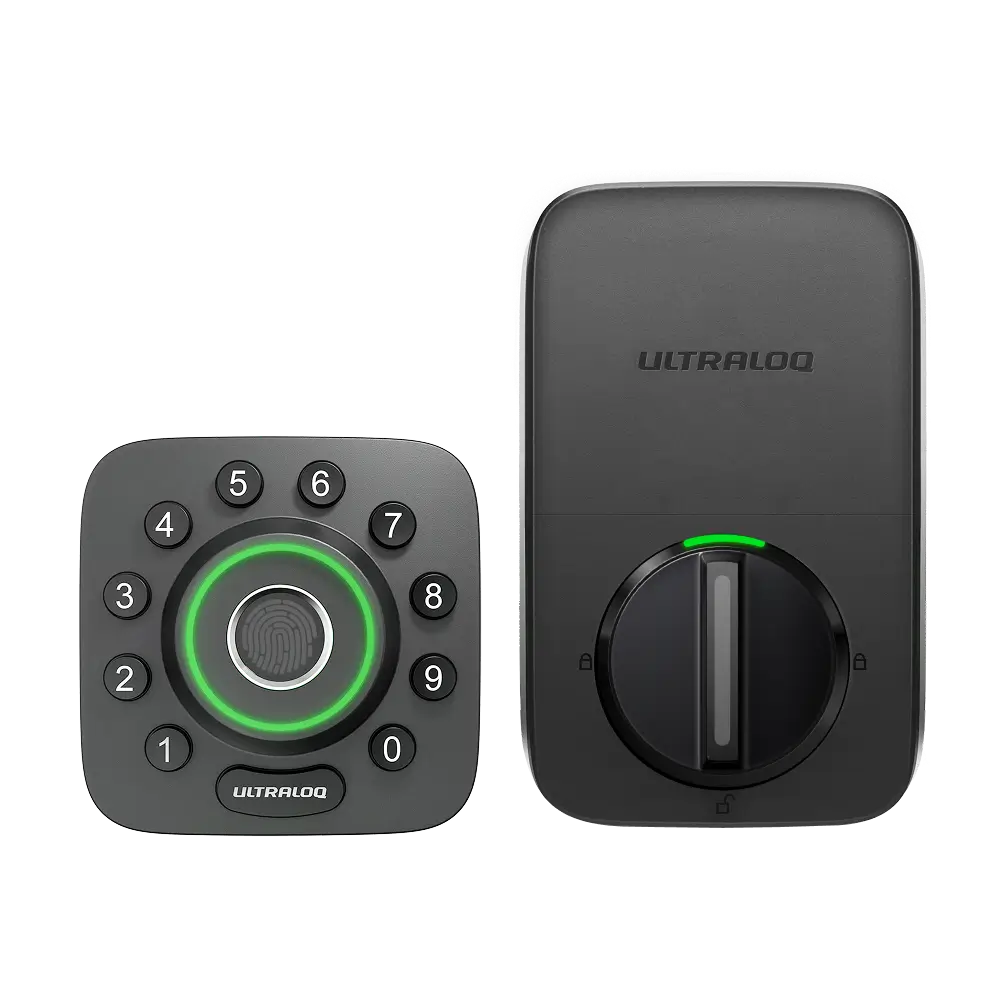
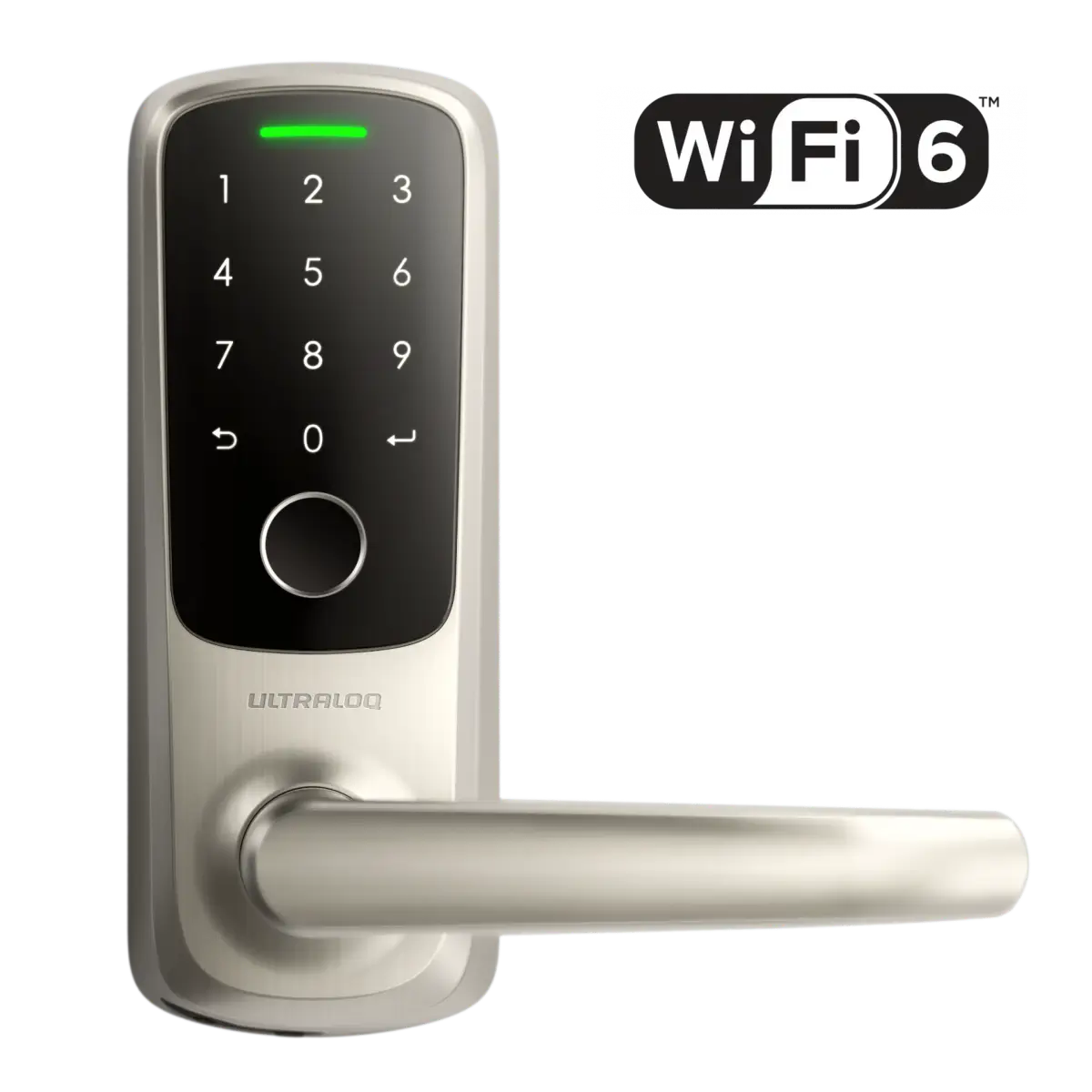
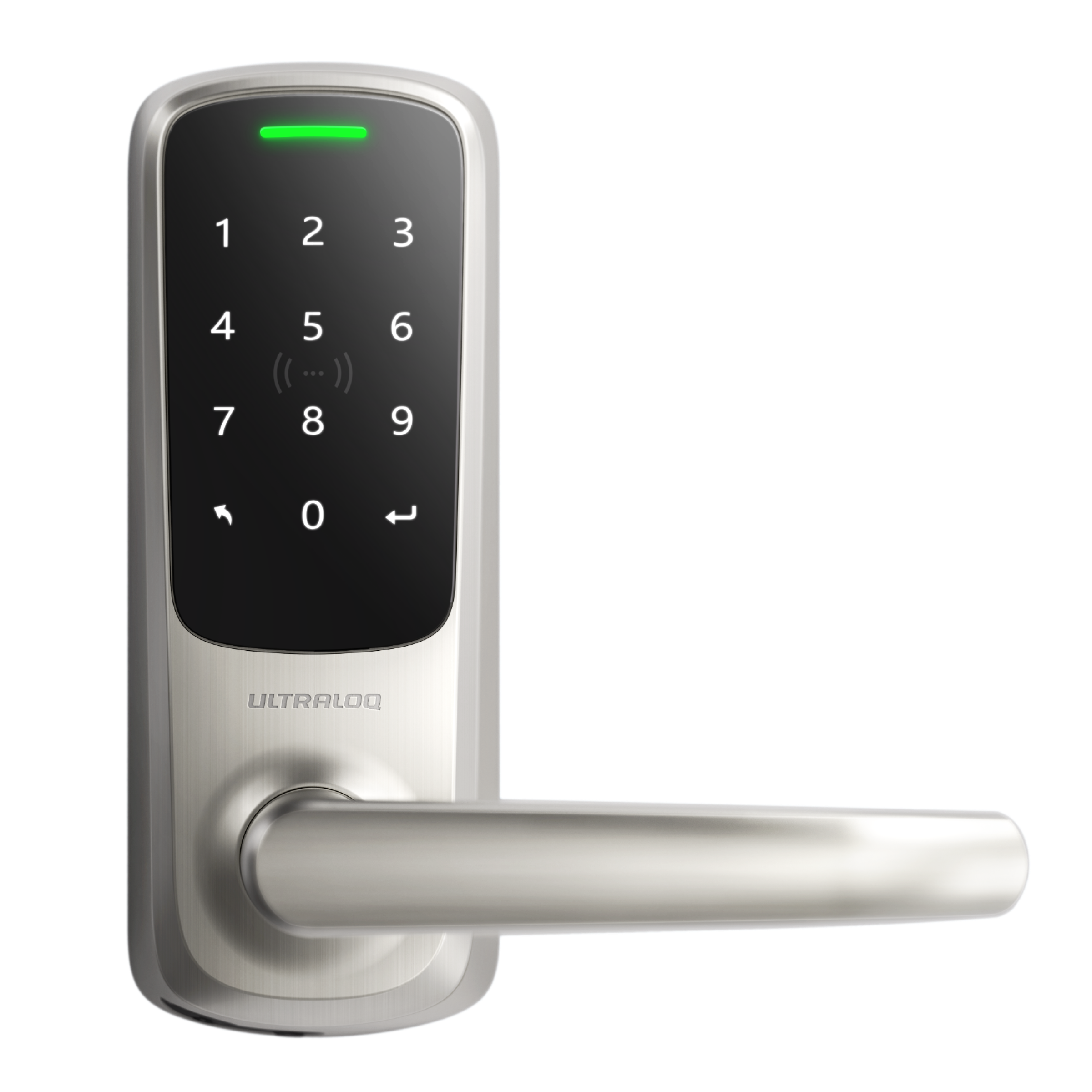


Open the Xthings Home App and connect to the Lock via WiFi/Bluetooth first; then go to the settings page of the lock and click "Switching Mode";
You can now switch between WiFi & Matter mode:


Open the Xthings Home App and connect to the Lock via WiFi/Bluetooth first; then go to the settings page of the lock and click "Switching Mode";
You can now switch between WiFi & Matter mode: