
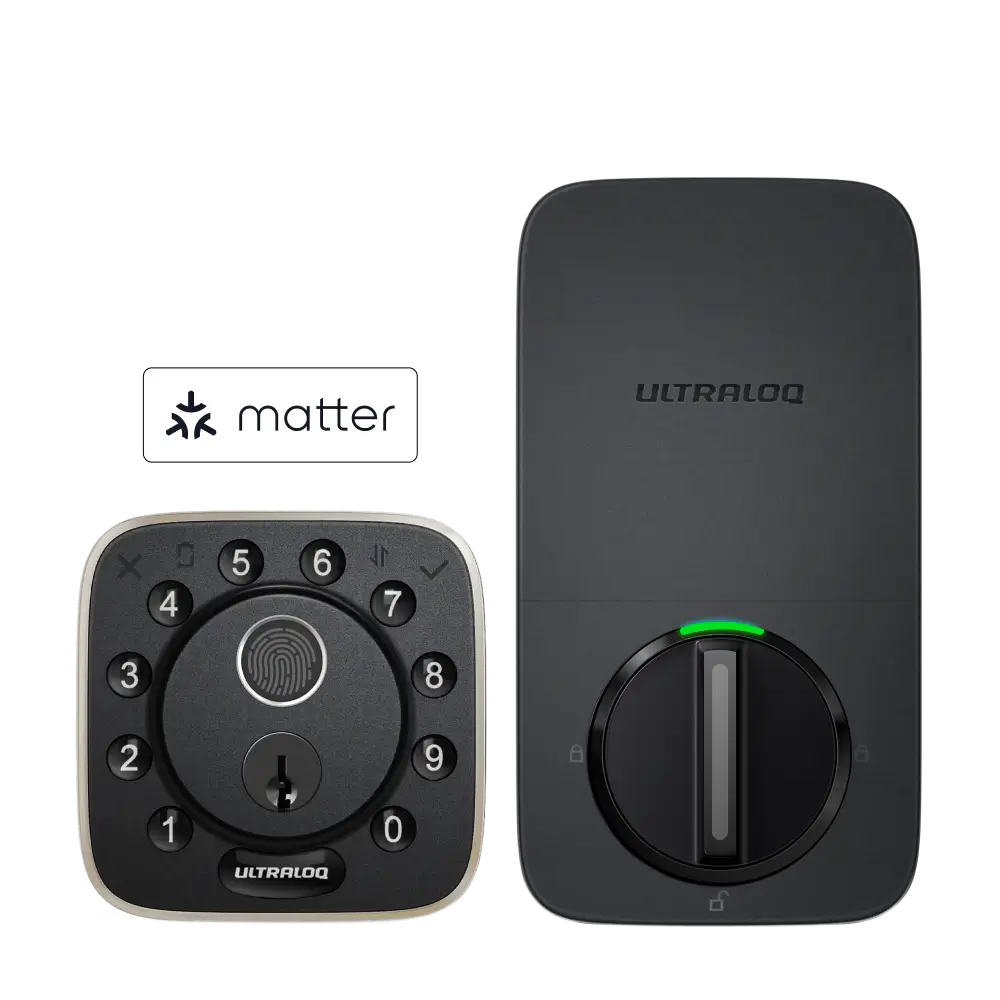

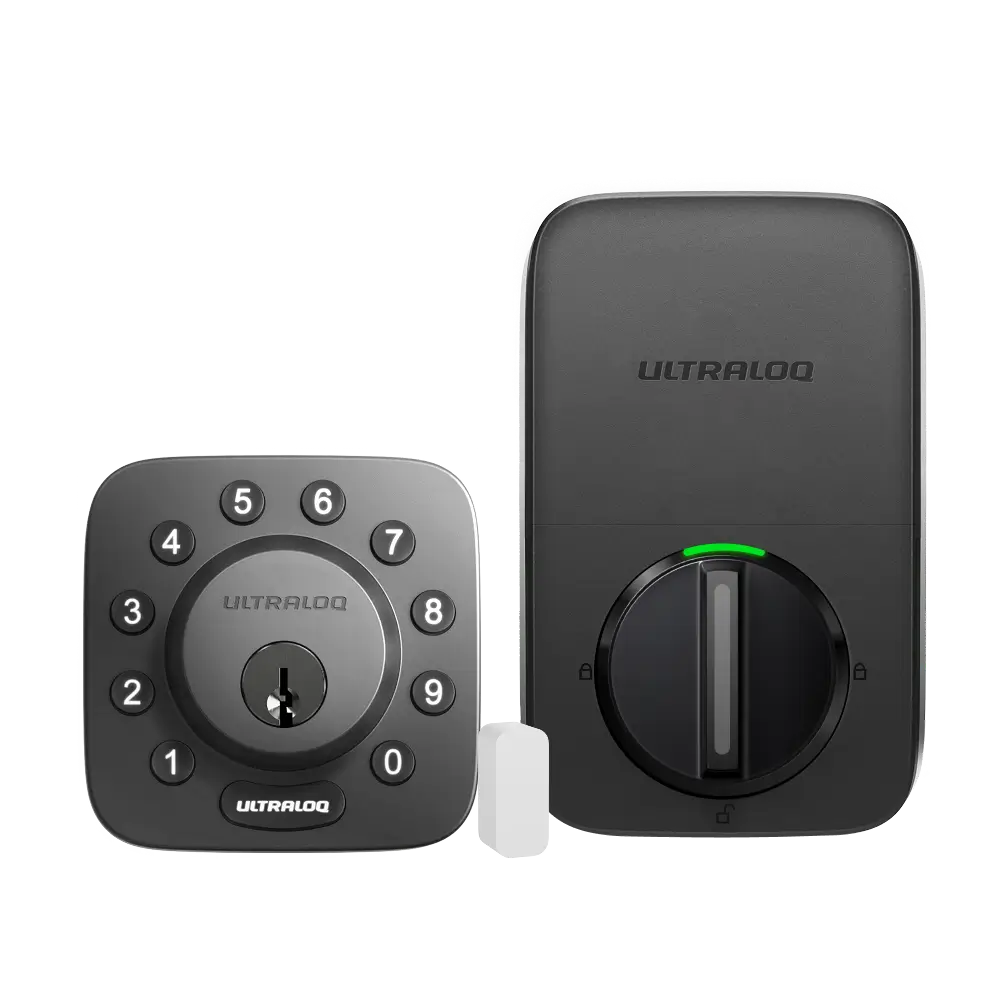
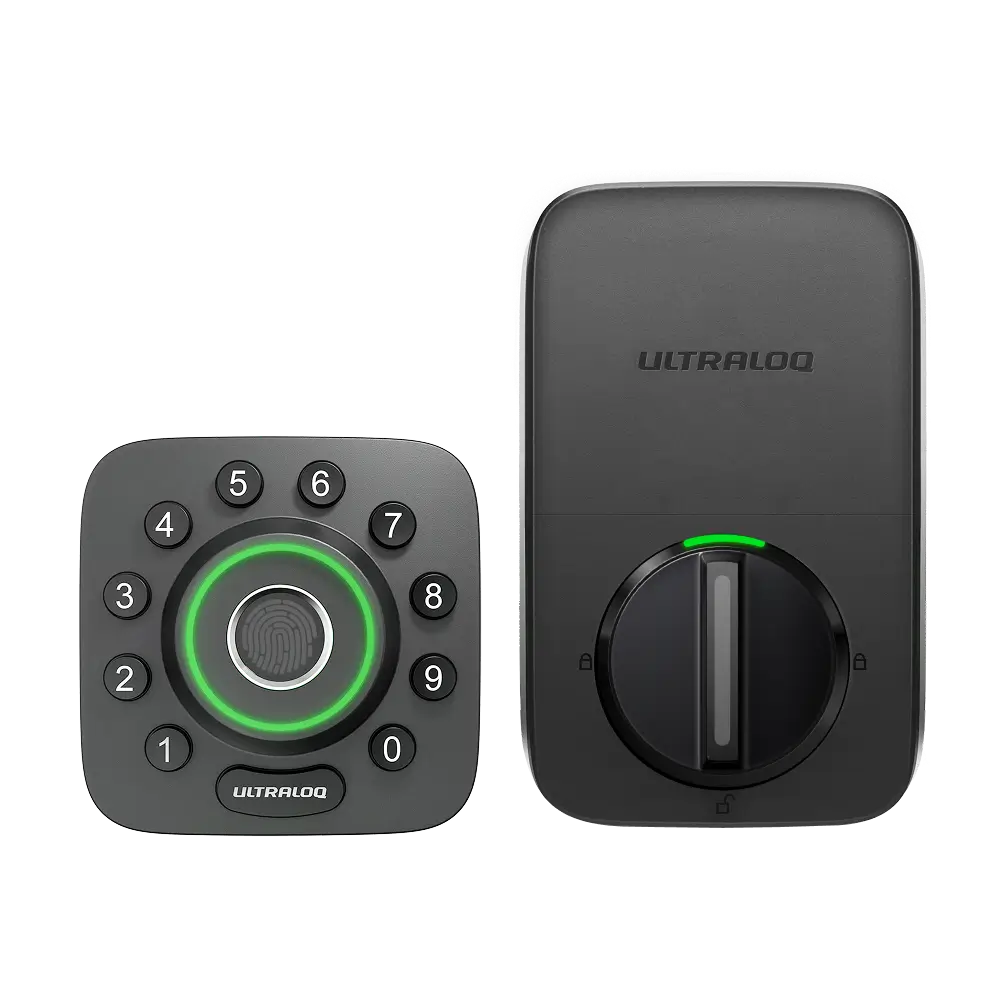
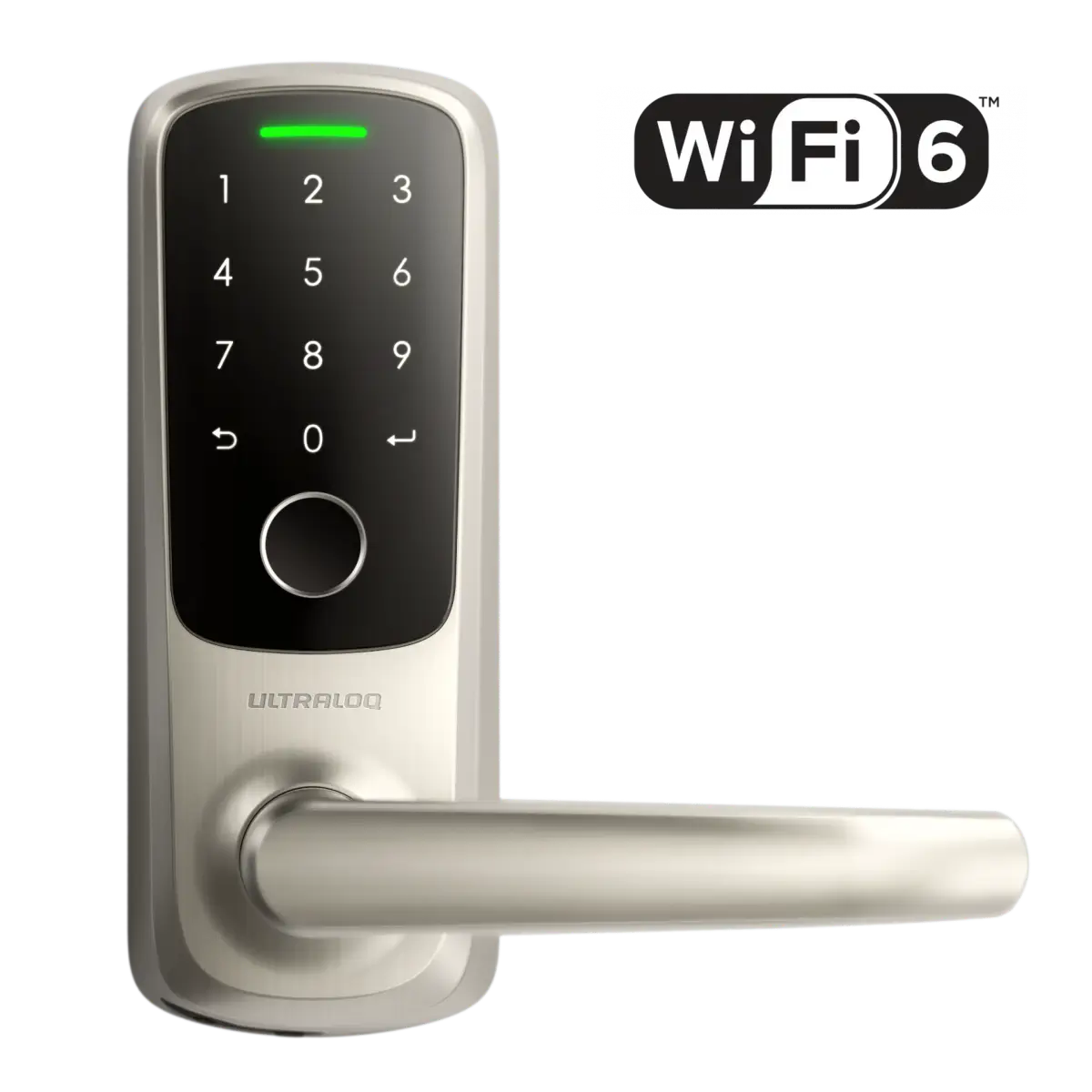



- Confirm Bluetooth is enabled on your smartphone.
- Make sure the Xthings Home App is up to date, then open it and log in with an Admin account (owner or shared).
- Tap + on the upper right-hand corner.
Tap Add Device, then Locks and choose the corresponding model, or find the lock in Add through Scanning.
- Tap Next after putting the lock into the locked position.
- Tap Next after confirming the battery disclaimer.
- Select the discovered device to continue pairing.
Find the 6-digit Program Code on the backside of the battery cover and enter it.
- Create a 4-8 digit Admin Code.
- Name the device, and Assign it to a Room.
- Confirm your lock is in the locked position. The next couple of steps will calibrate your door orientation.
- Choose whether you want to set up the door sensor.
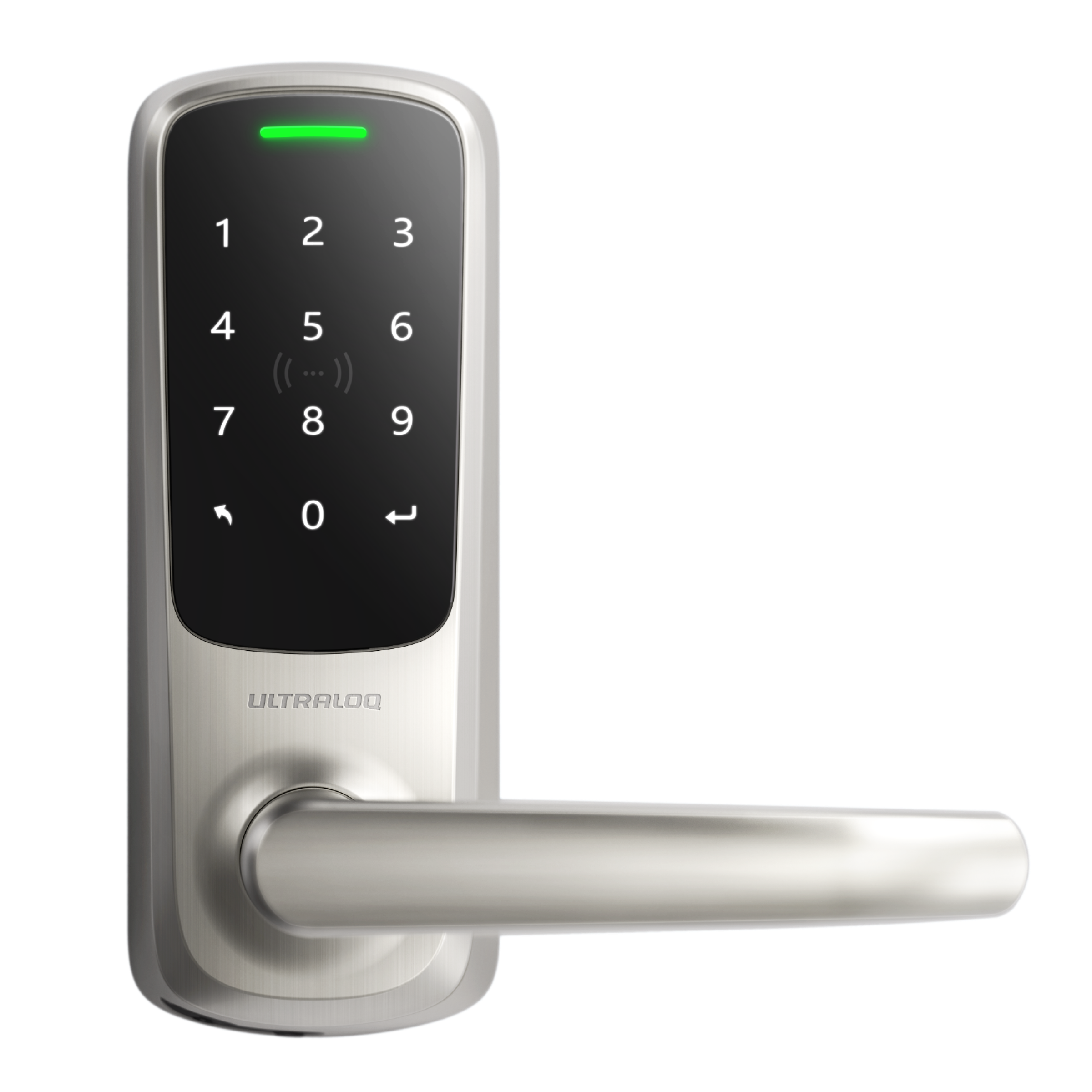
You are now ready to use ULTRALOQ Bolt Mission on the Xthings Home App.