
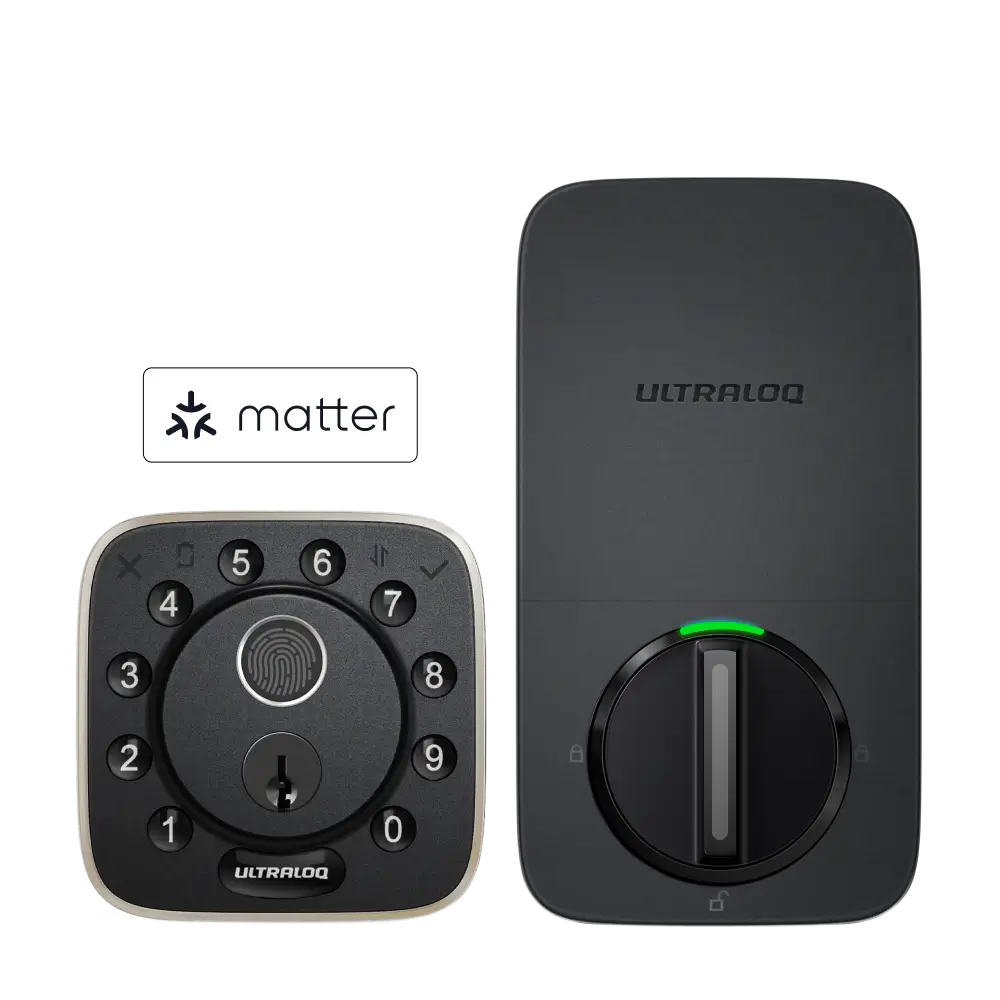

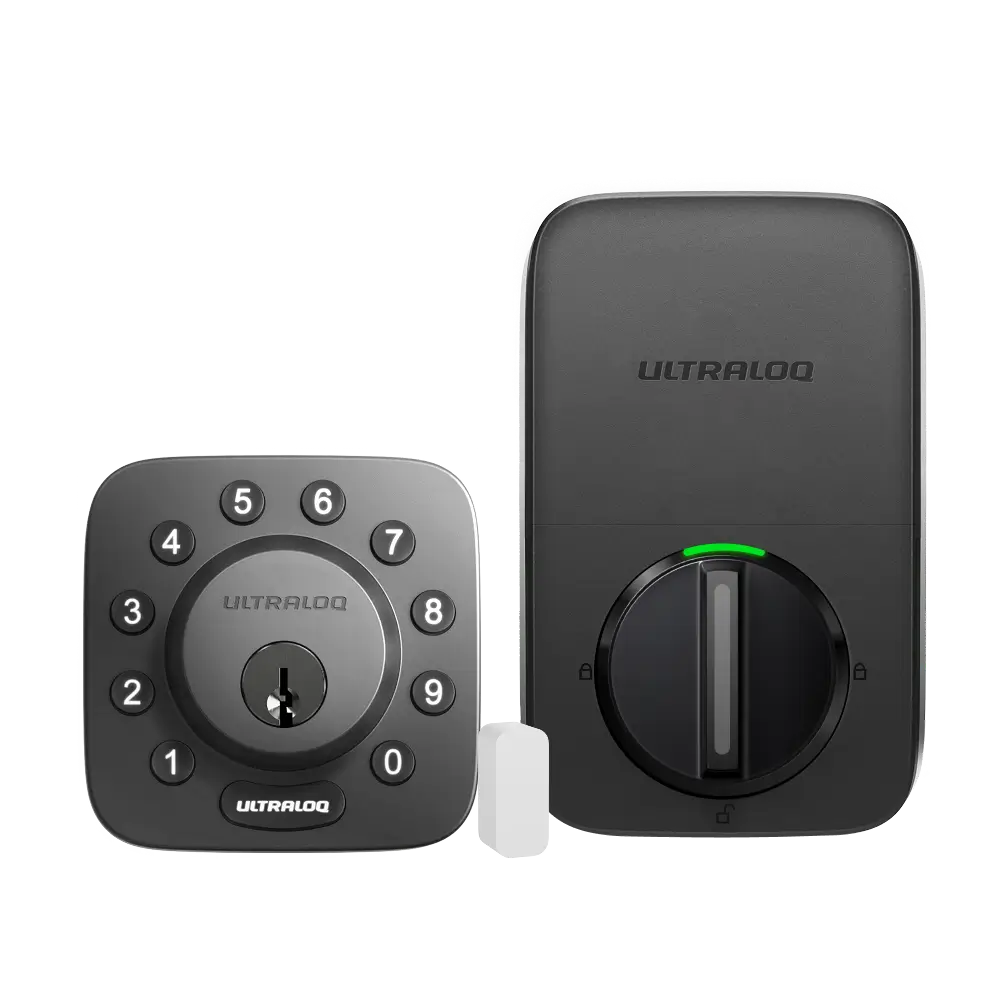
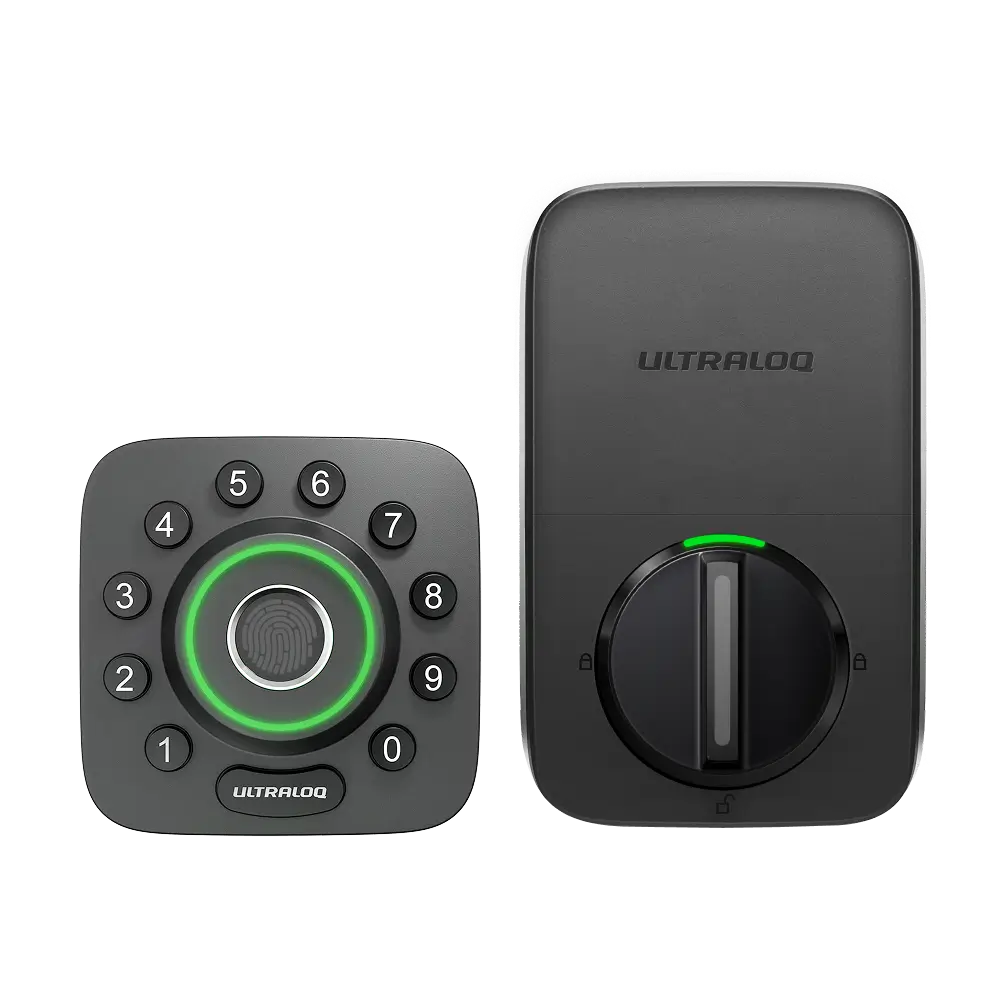
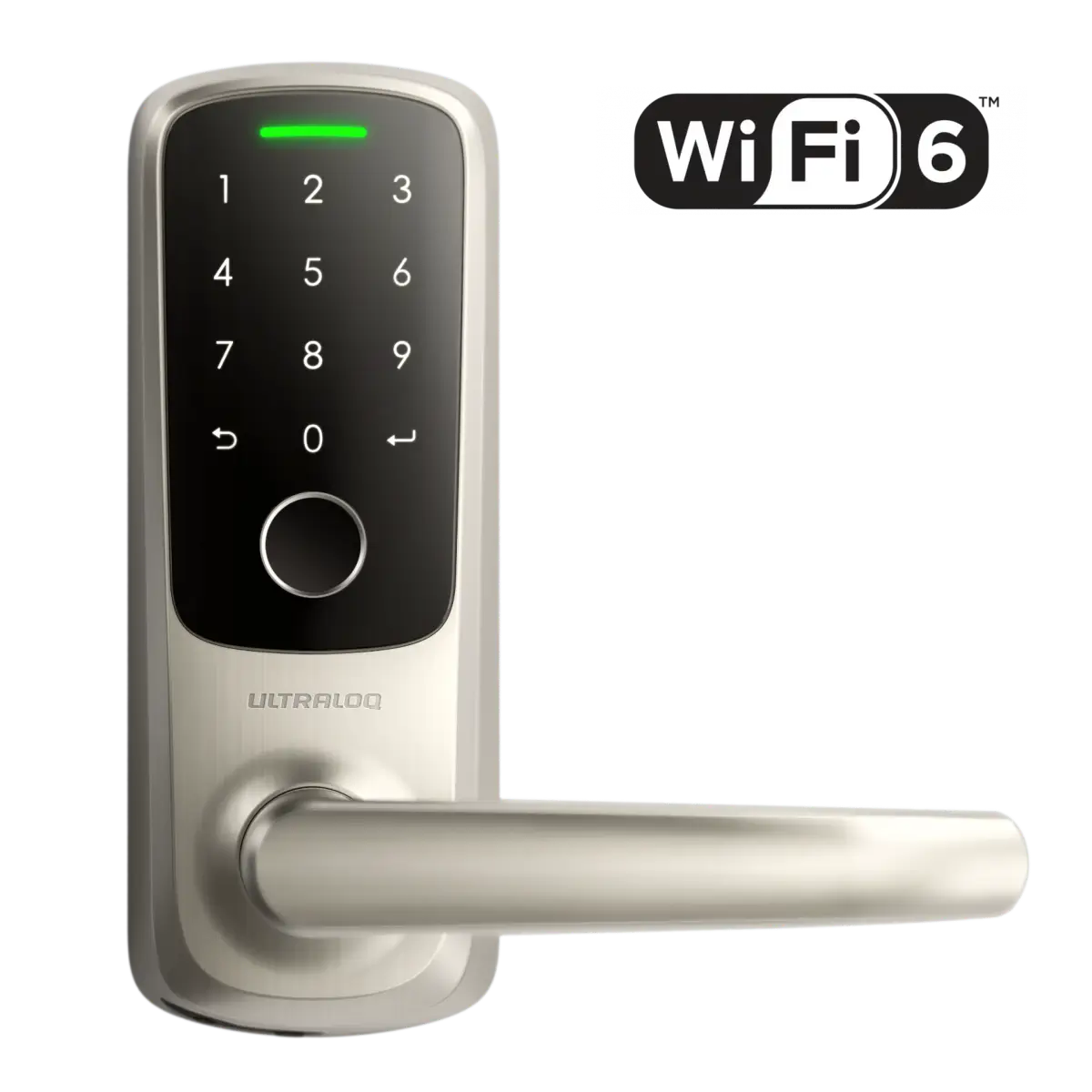
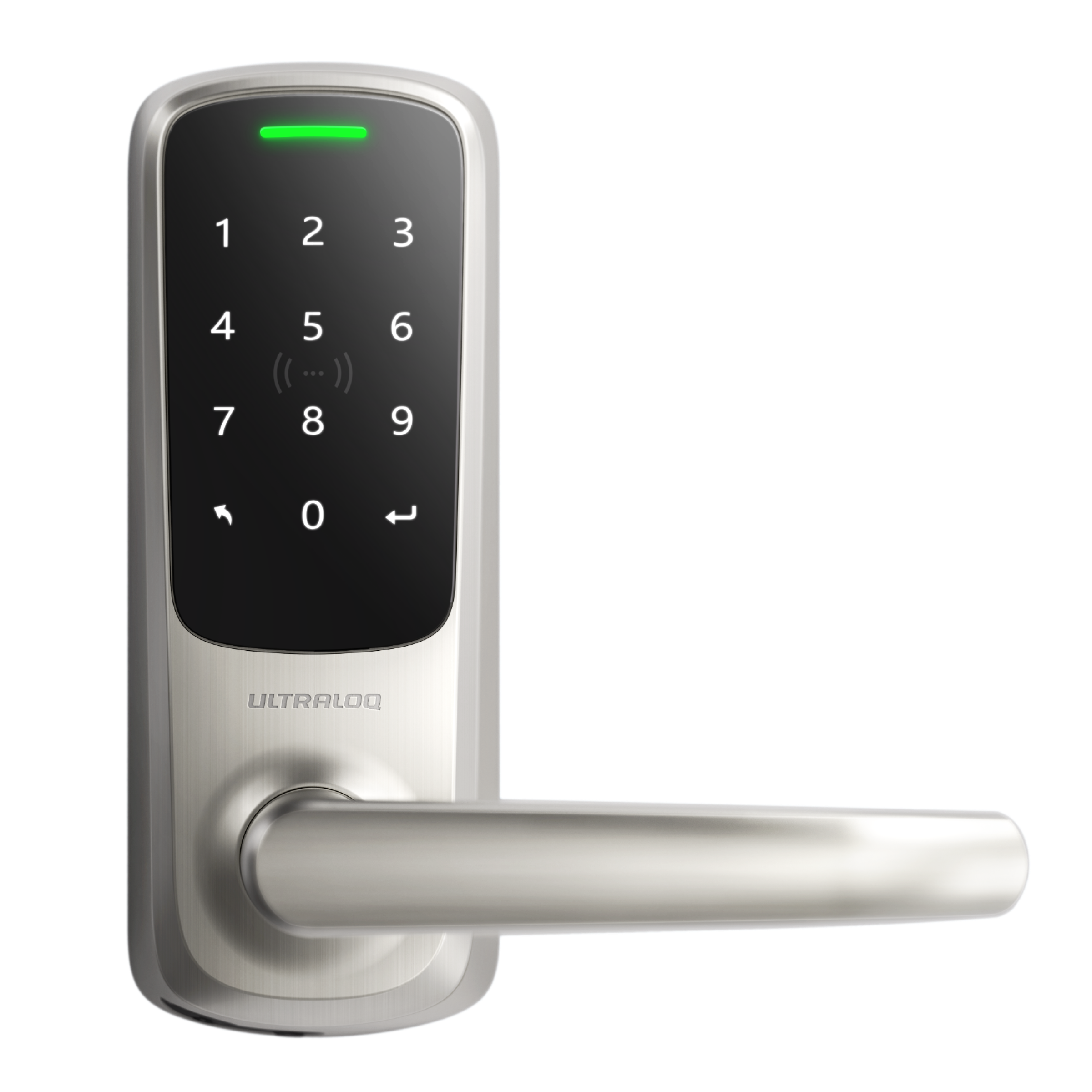
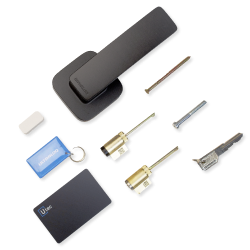



The ULTRALOQ Bolt Mission is the world's first smart deadbolt with UWB technology. It can also work with your favorite Matter over Thread compatible smart home platform, including Amazon Alexa, Apple Home, Google Home, IFTTT, and Samsung SmartThings. For this guide, we will focus primarily on connecting your Bolt Mission to Apple Home.
Do I need to purchase any other accesories?
Yes, you must have a compatible Thread Border Router in order for the Bolt Mission to connect to Apple Home. Below are some Apple hubs with built-in Thread capability:
- HomePod (2nd Gen)
- HomePod mini
- Apple TV 4K (2nd and 3rd Gen Wi-Fi + Ethernet 128GB)
Adding Bolt Mission to Apple Home
- Open the Apple Home app;
- Tap + on the upper right-hand corner;
- Tap Add Accessory;
- Scan the Matter setup QR Code on the underside
of the battery cover; - Press and release the Set button beneath the battery compartment to enable pairing; you should then hear a beep;
- Tap Add to Home;
- Choose a Room from Apple's list, or create your own;
- Use the provided lock name or change it to your liking;
- Tap Done, and you are ready to use Bolt Mission on Apple Home.
What should I do if I’m unable to add the Bolt Mission to Apple Home?
Download the Xthings Home app. (UWB auto unlock feature requires Xthings Home app);
Factory reset the lock by inserting the reset needle into the reset hole under the battery compartment;
Replace batteries if necessary;
Confirm Bluetooth is enabled on your iPhone/iPad;
Add the Bolt Mission to the Xthings Home app and test functionality;
Upgrade the Bolt Mission firmware to the latest version;
Power cycle all devices (lock, Apple hub, iPhone/iPad);
Try adding the Bolt Mission to Apple Home again.- Be sure to press the Set button to enter pairing mode when adding to Apple Home;
- Confirm you have one of the Thread-enabled home hubs as indicated above, and your iPhone/iPad iOS is up to date;
Check your Apple Home Hub settings and account. Here are some links to Apple’s knowledge base to help you troubleshoot:
Add a smart home accessory to the Home app
Set up your HomePod, HomePod mini, or Apple TV as a home hub
- Still having trouble? Contact ULTRALOQ Customer Support for assistance.