
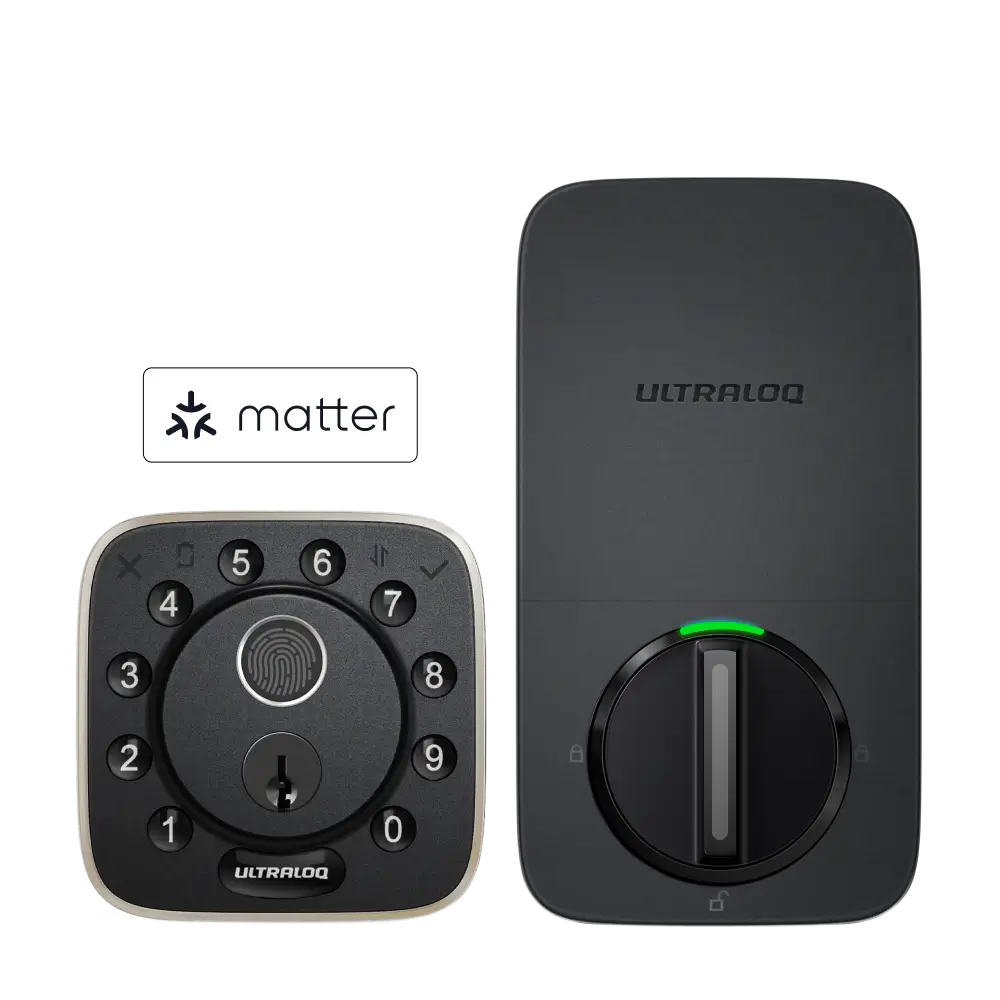

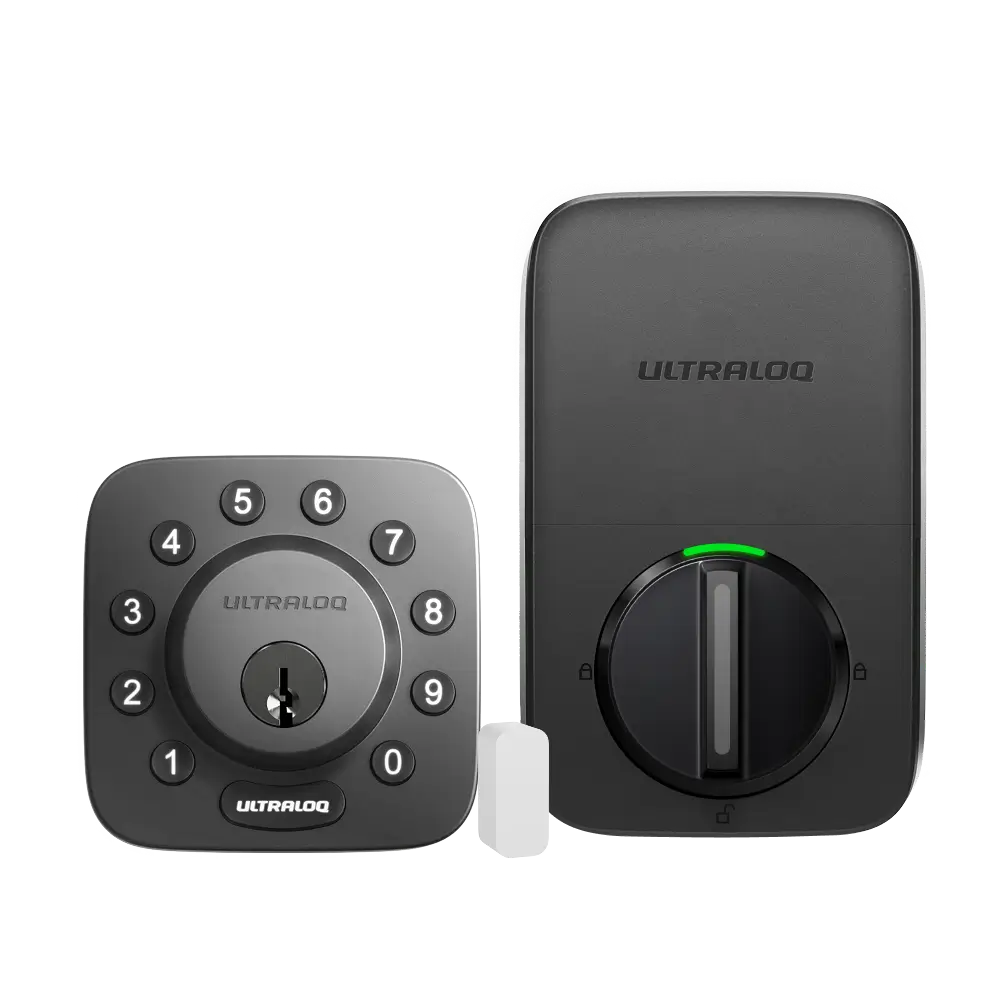
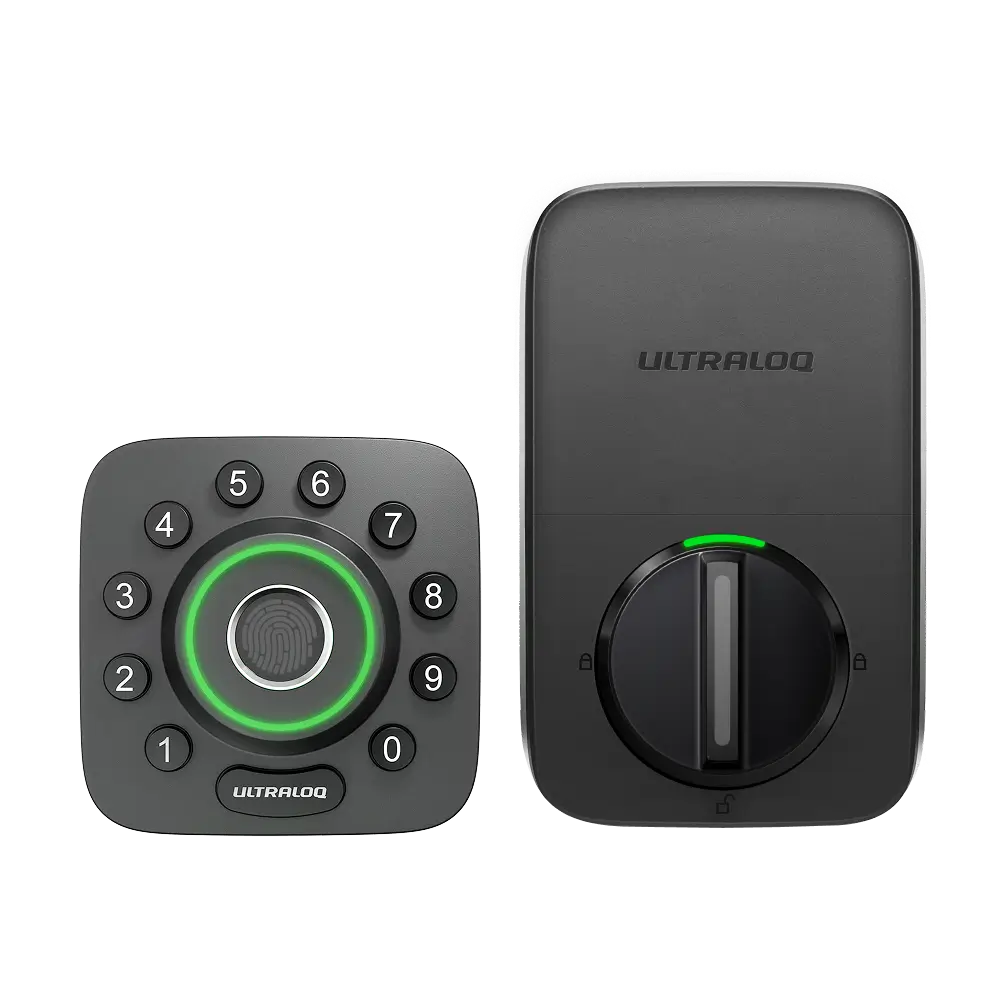
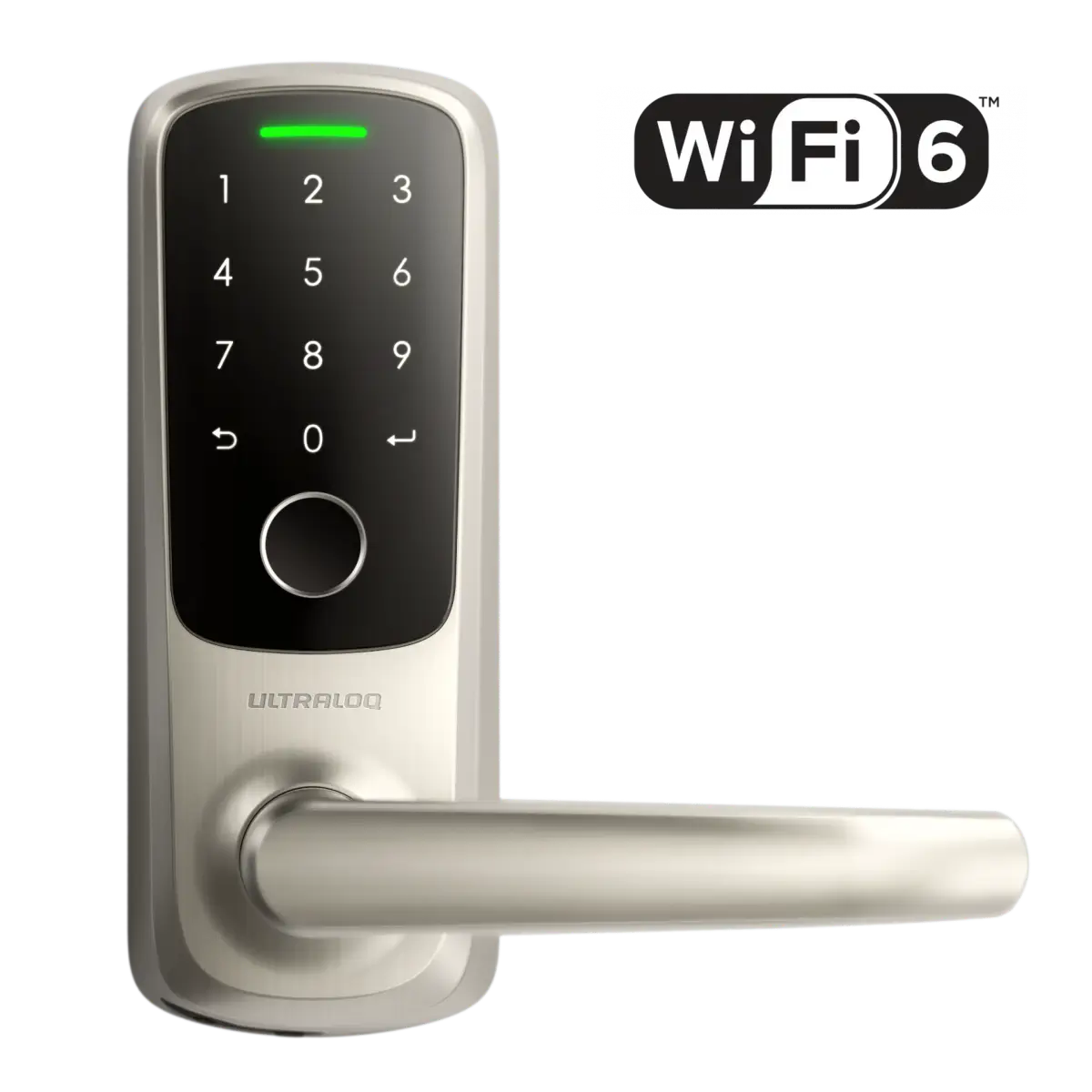
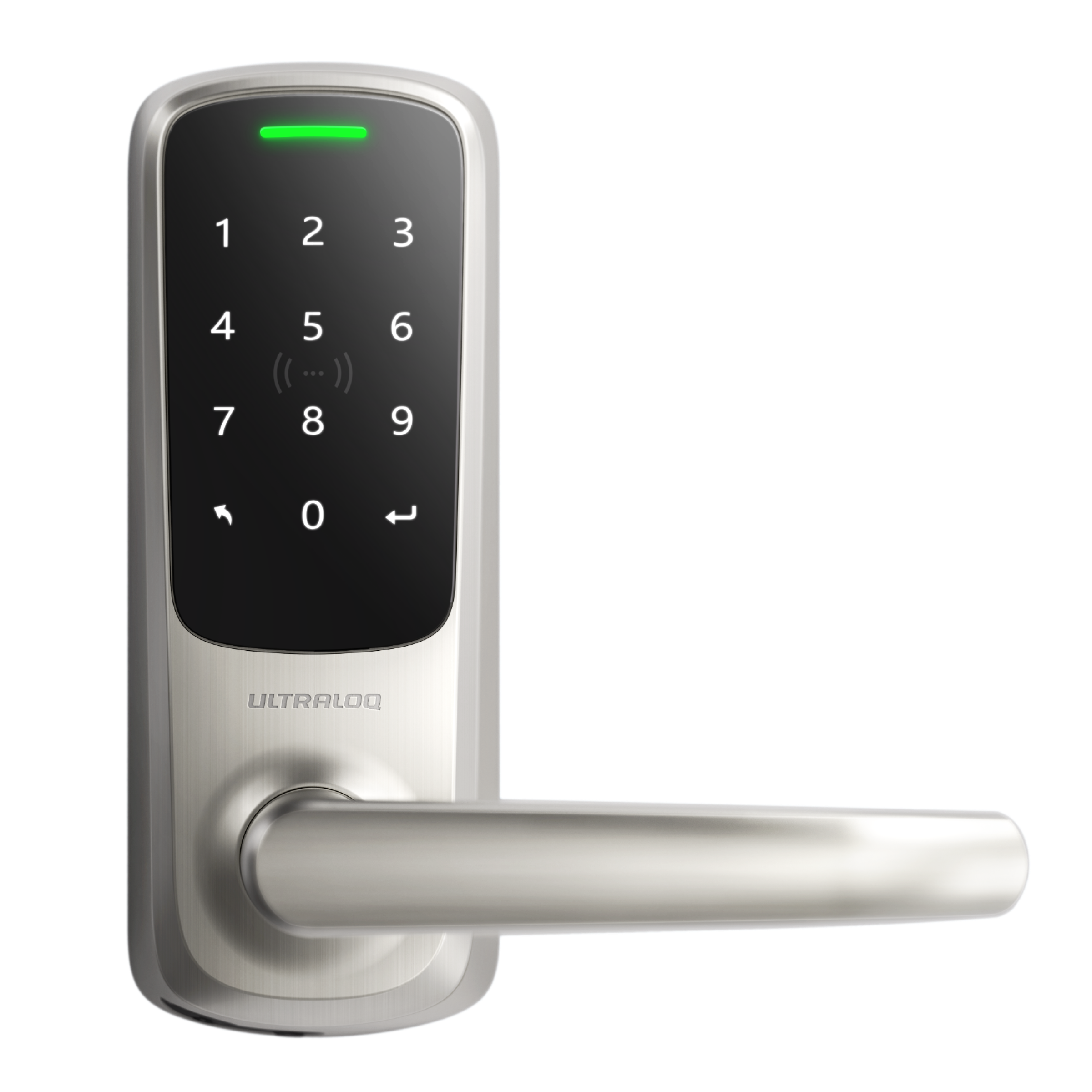



Which devices can be transferred?
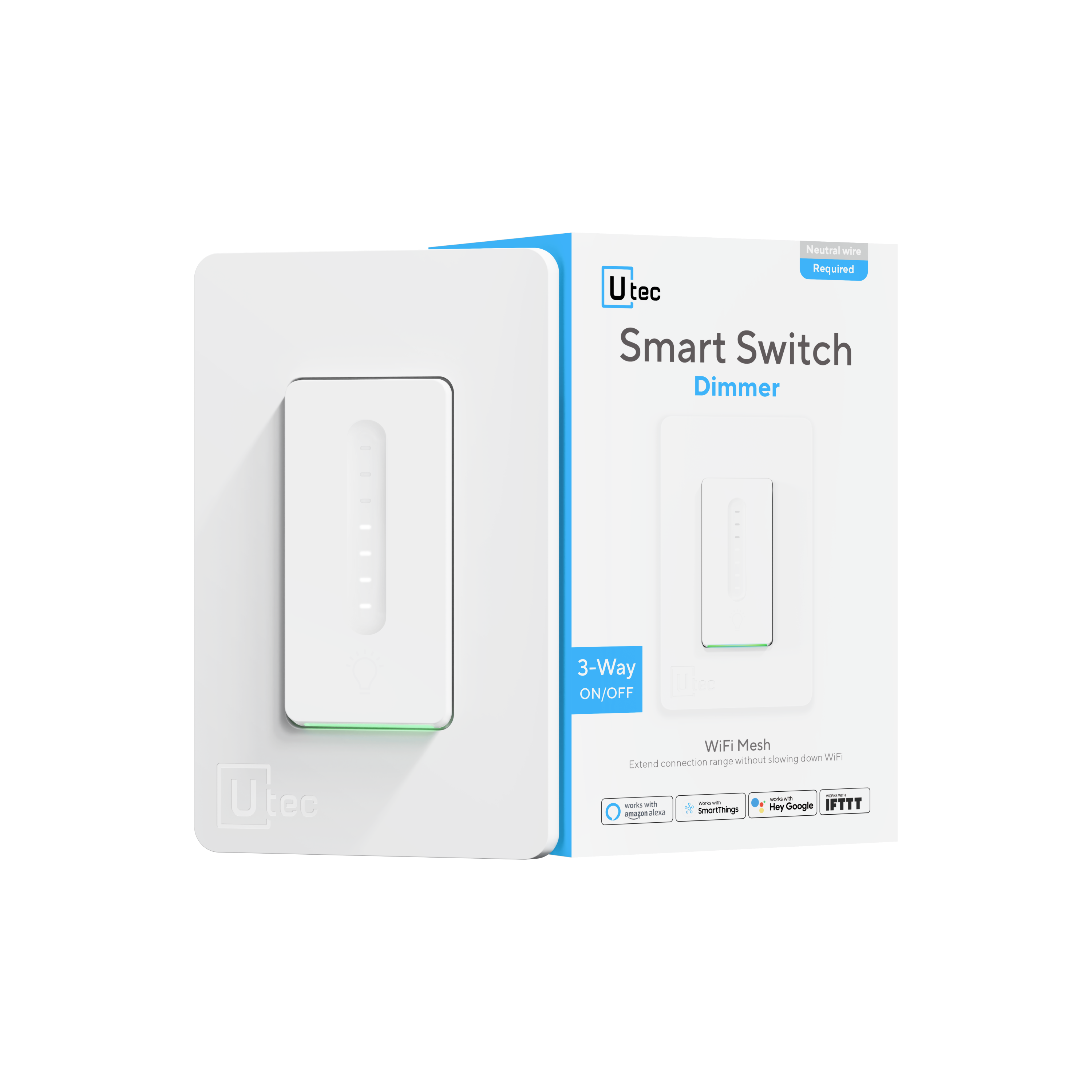
Currently, ULTRALOQ Smart Locks and UTEC Smart Plugs, Bulbs, Switches can be transferred to another user via the Xthings Home(Formerly U home) App.
Xthings Home(Formerly U home) App version requirement: V3.5.0 or later.
Notice:
1. The device cannot be transferred to an existing shared user of this device.
2. The recipient's email address must be a Xthings Home(Formerly U home) registered one.
3. The previous settings and user data remain unchanged after the transfer, even the owner user's name; the recipient needs to change/delete them according to his/her own needs.
How to transfer a device to another user?
1. Go to the Settings page of the device and click the "Device Transfer" option;
2. Enter the receiving account email and agree to the policy; confirm transfer;
3. Wait for the recipient to accept.
How to accept a transfer?
1. After a device is transferred to your account, you will receive a smart notification and a notice banner in the Xthings Home(Formerly U home) App;
2. Click either one to accept the transfer, you can also modify the Device Assignment Address and Room during the acceptance.