
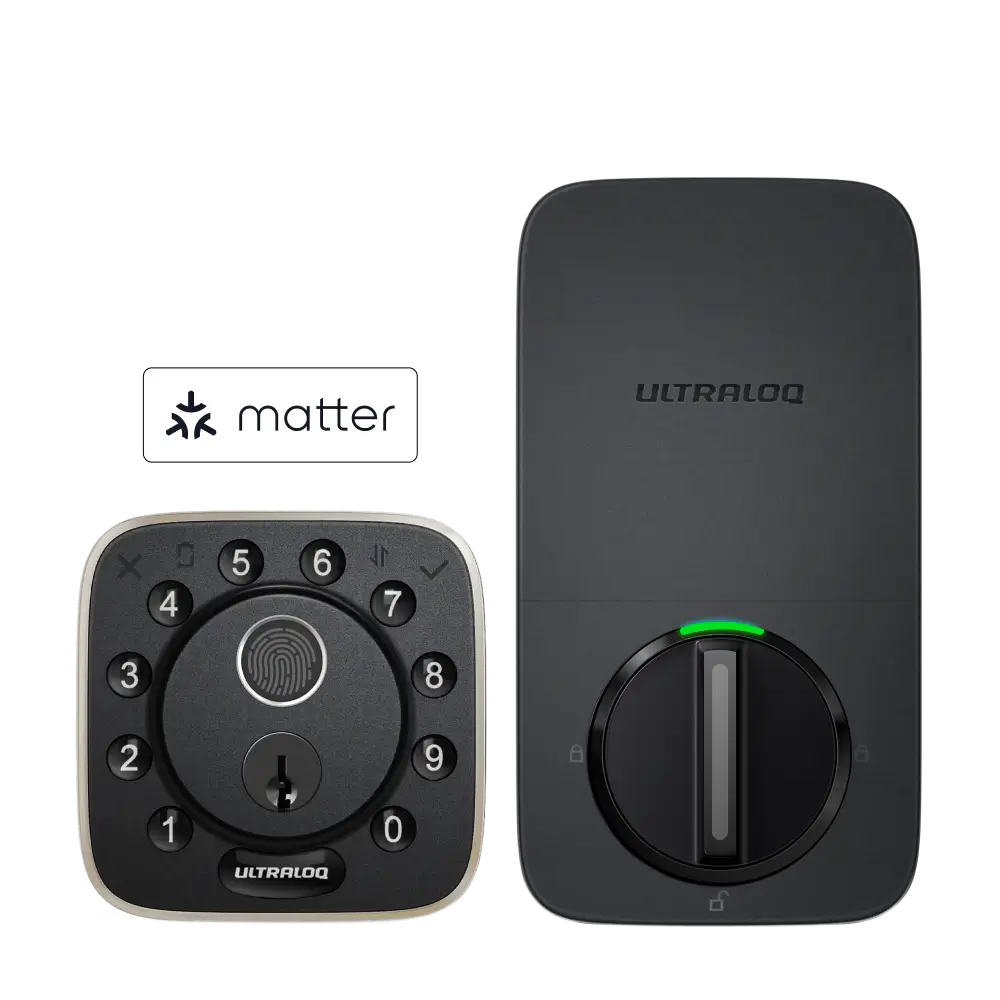

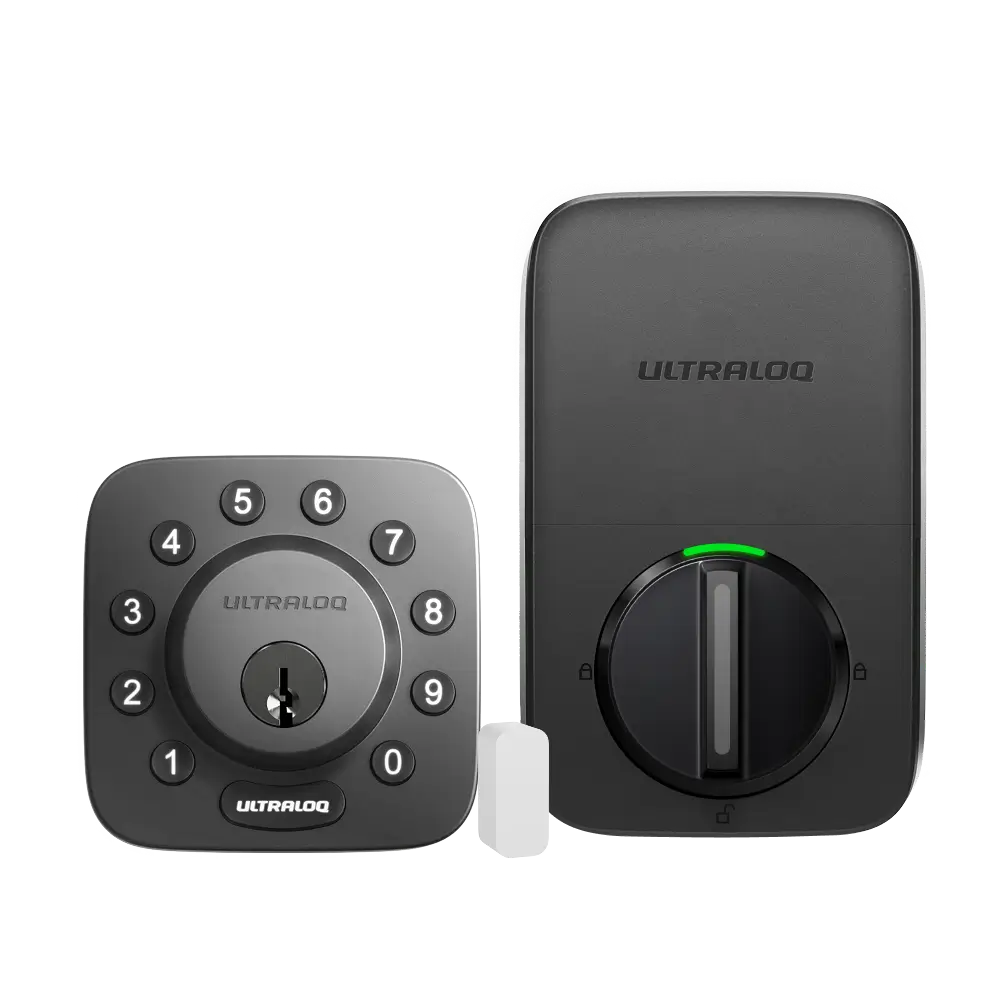
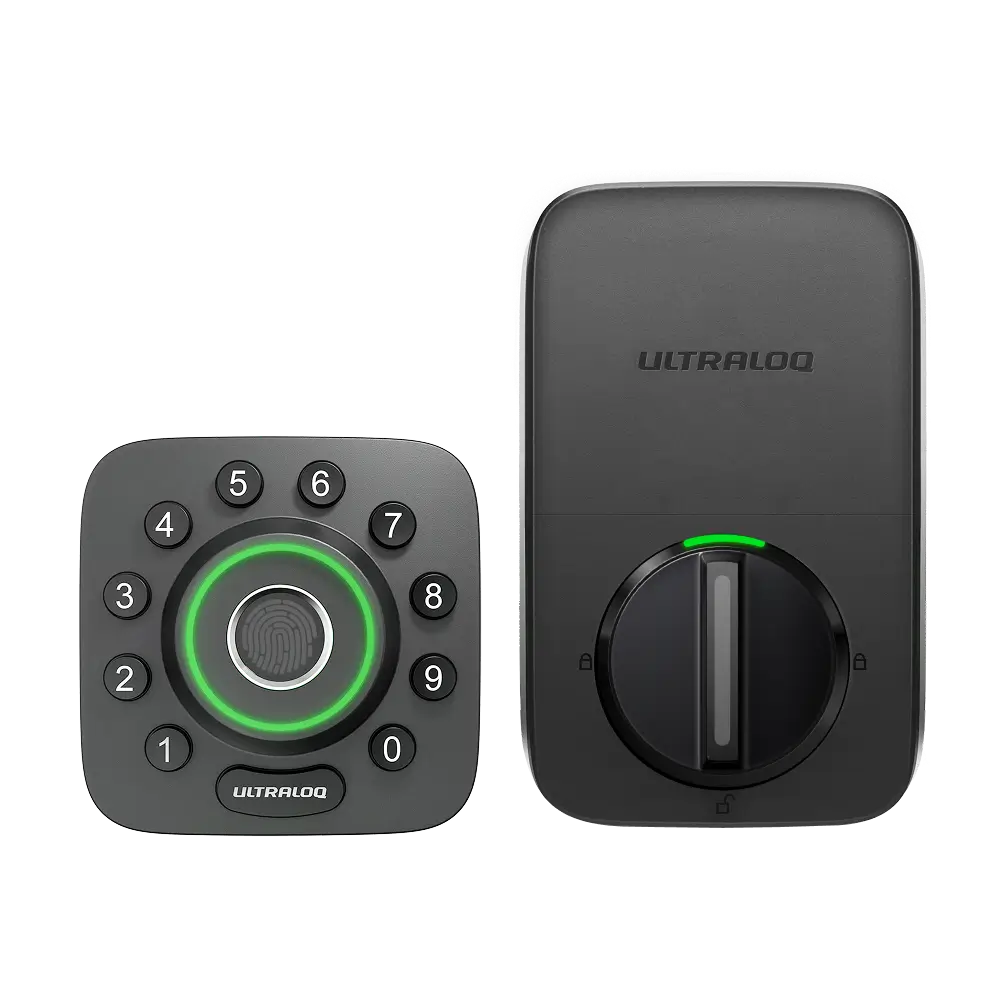
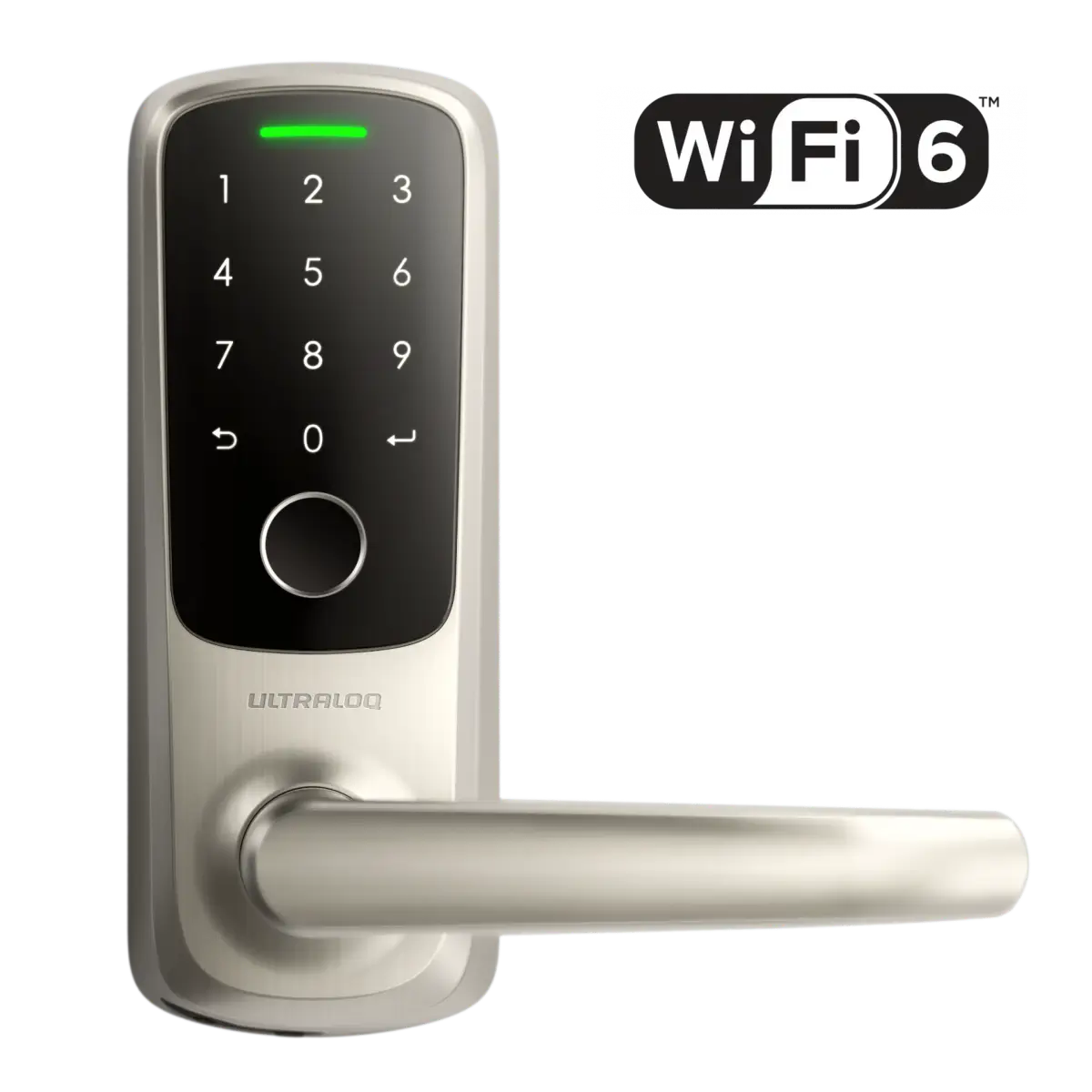
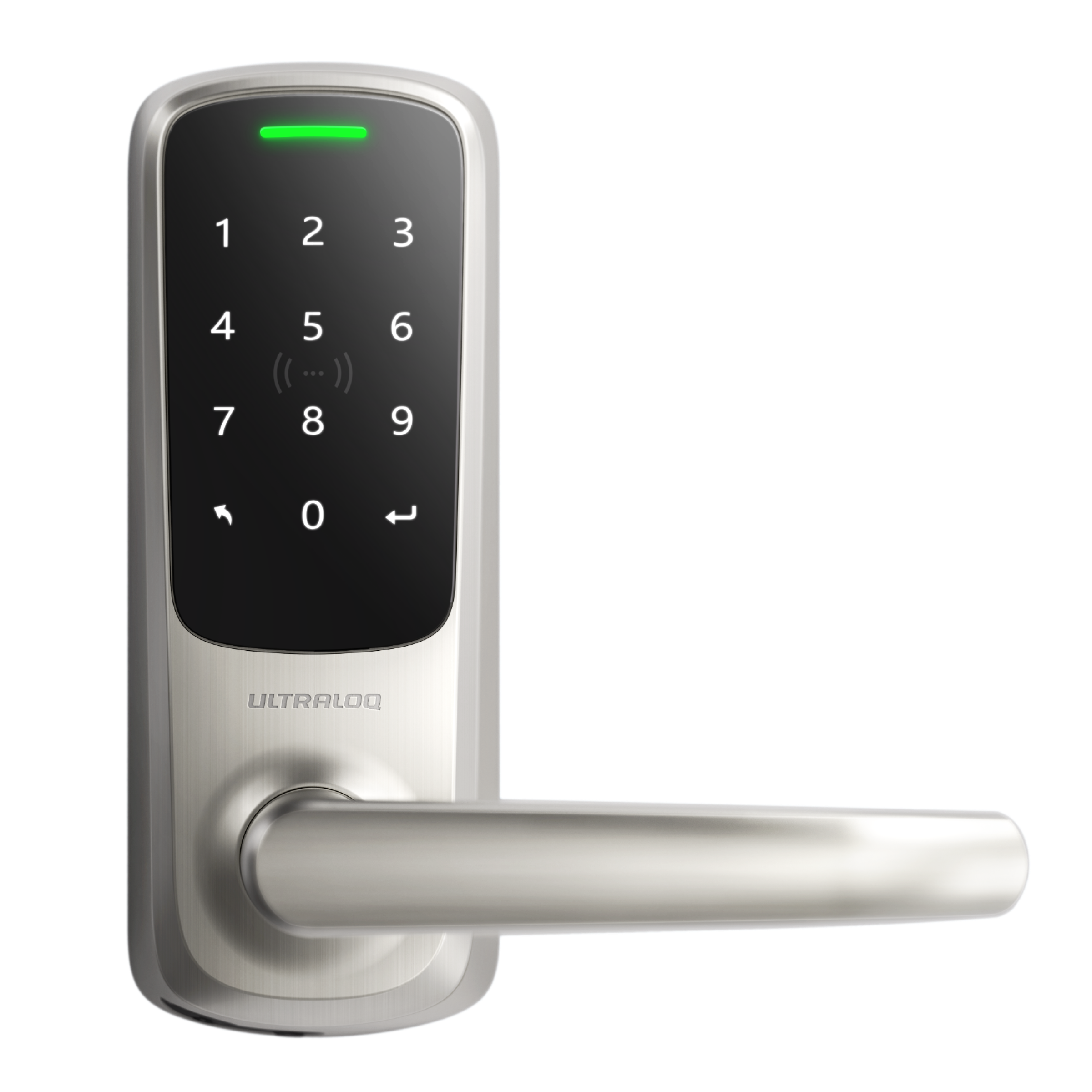



After being invited, you can unlock the door via Passcode.
Input the Passcode, and press the “ULTRALOQ” or “↵” Button to open the door.
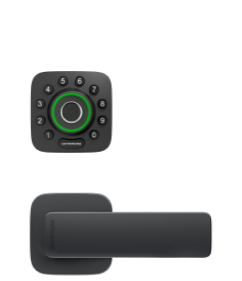
Based on the different lock models, there are more ways to unlock.
Download the Xthings Home(Formerly U home) App and log in to your account to unlock the device. If the lock has a Fingerprint/Keycard option, you can add a fingerprint & Keycard via the Xthings Home(Formerly U home) App.
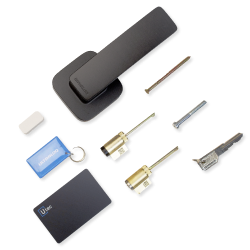
You may need
How can I add a fingerprint if smart lock models support the fingerprint feature?
How can I add an NFC card if smart lock models support NFC feature?