

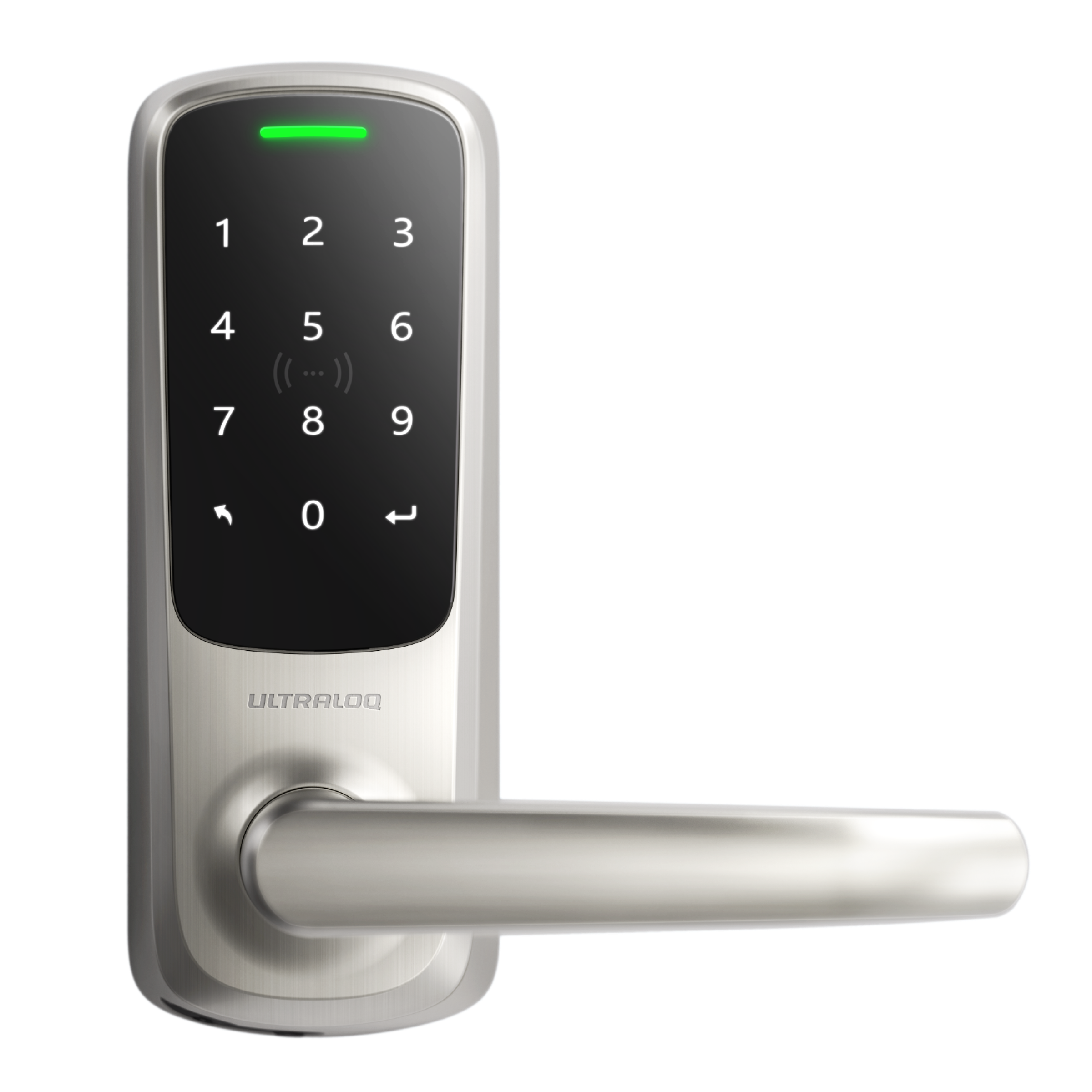



After being invited, you can unlock the door via a passcode.
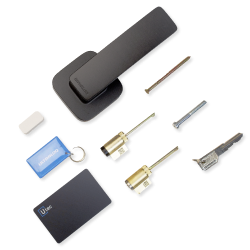
If the lock supports the NFC feature, you can add your Keycard to the lock by yourself(Please ask Owner/Manager to get the keycard).
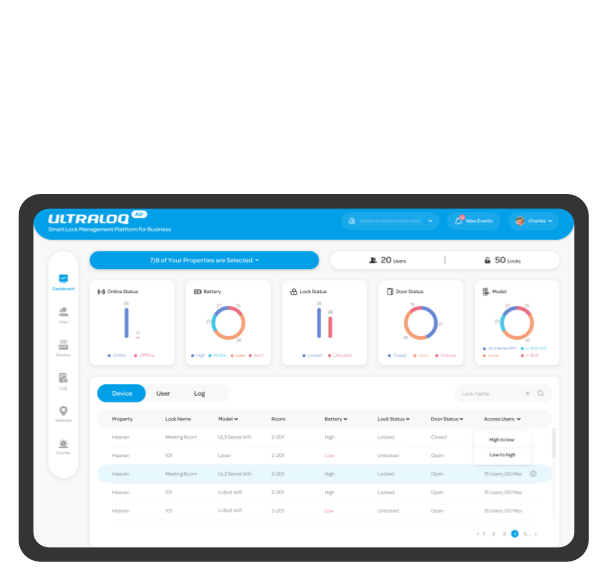
Step 1. Ask the Owner to add your email address to you via ULTRALOQ Air.
Step 2. Download the Xthings Home(Formerly U home) App, and log in to your account.
If you haven't logged in to the Xthings Home(Formerly U home) account before, please register a Xthings Home(Formerly U home) account based on the email address we added in Step 1.
Step 3. Add Keycard via the Xthings Home(Formerly U home) App.
You can go to the shared address to find the device.
Tap Users, you will find the add NFC option. Tap the Keycard option and follow the instruction to add the Kay card.