




Within the Welcome Email or message from Xthings Home(Formerly U home), there is a link that directs you to create your Xthings Home(Formerly U home) account and then to download and log into the Xthings Home(Formerly U home) App.
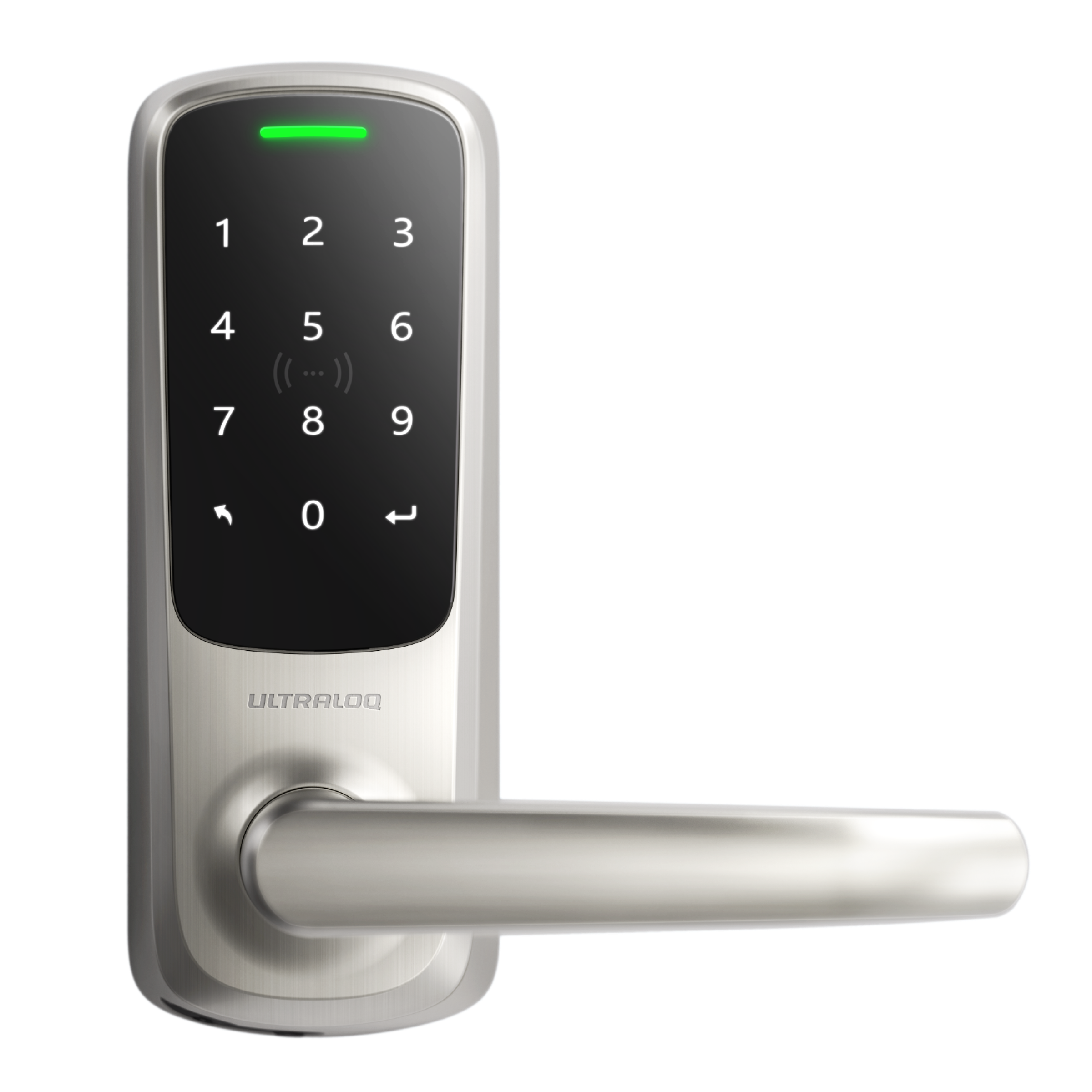
As a tenant, you can unlock the door via Passcode.
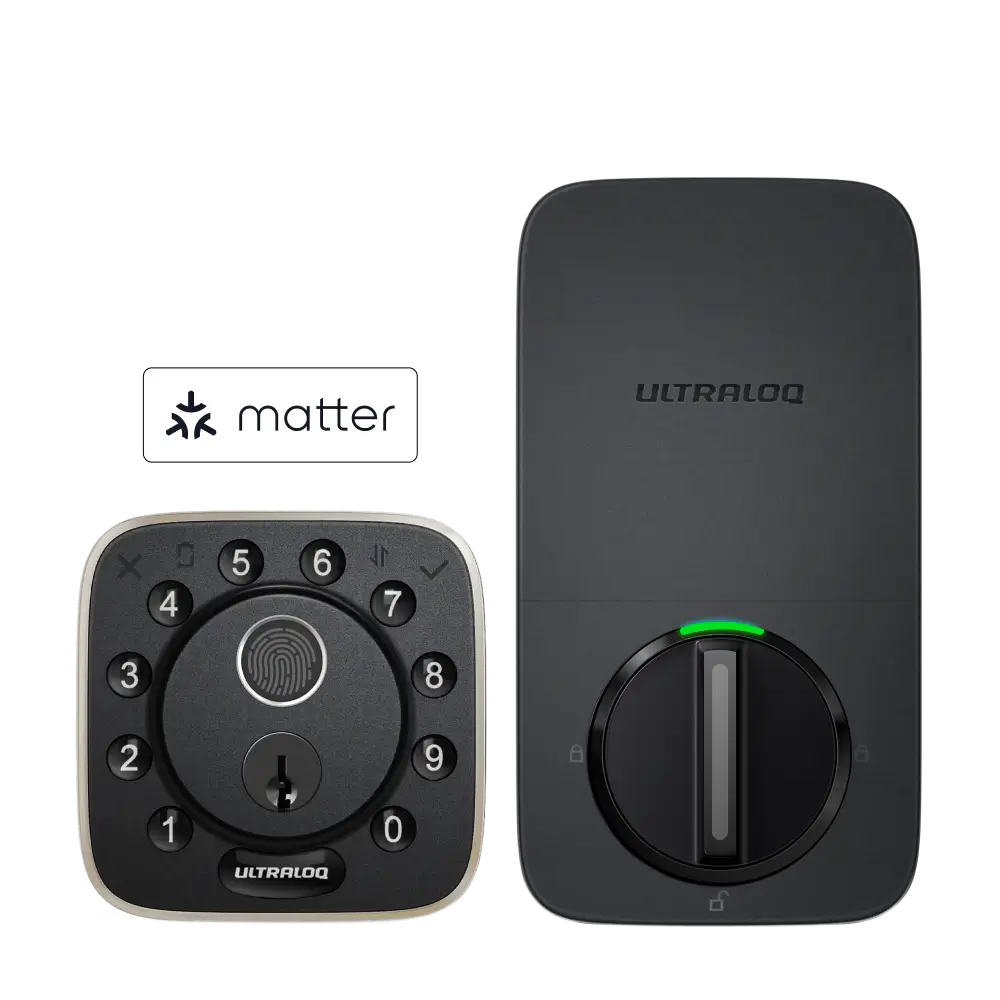
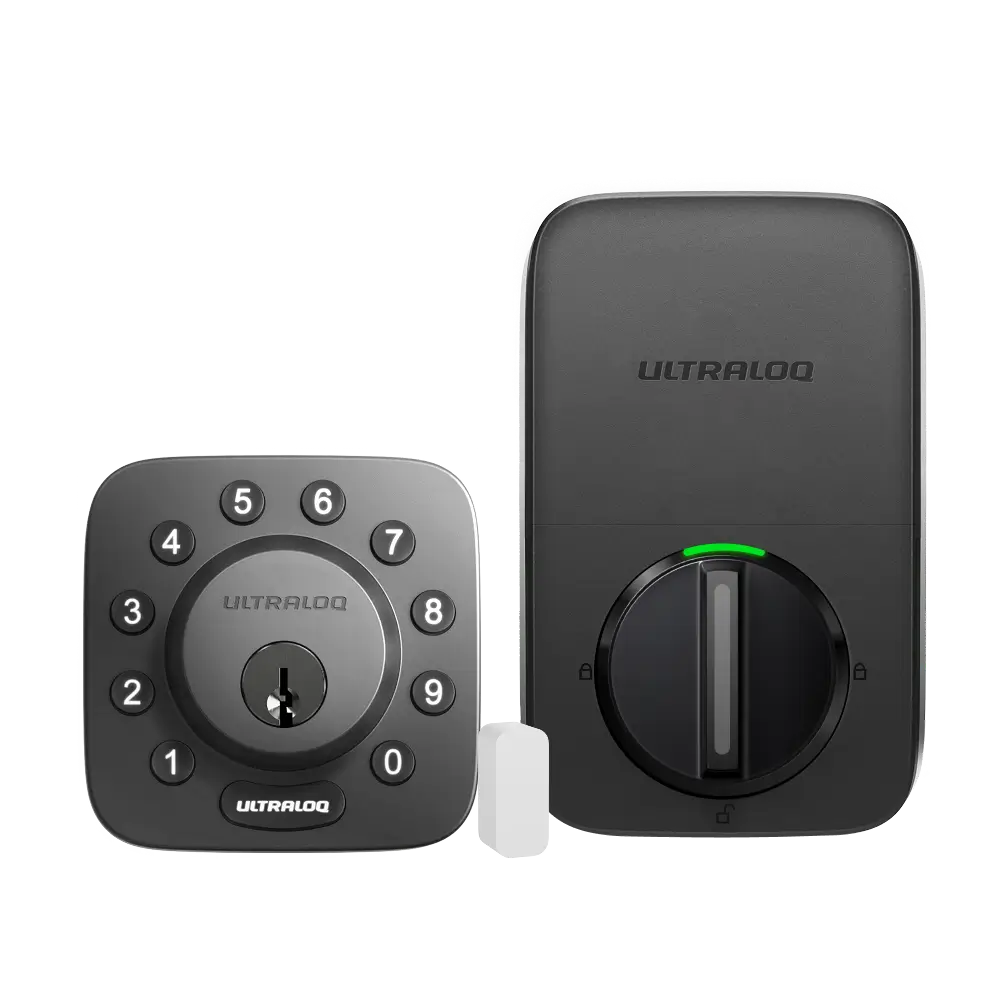
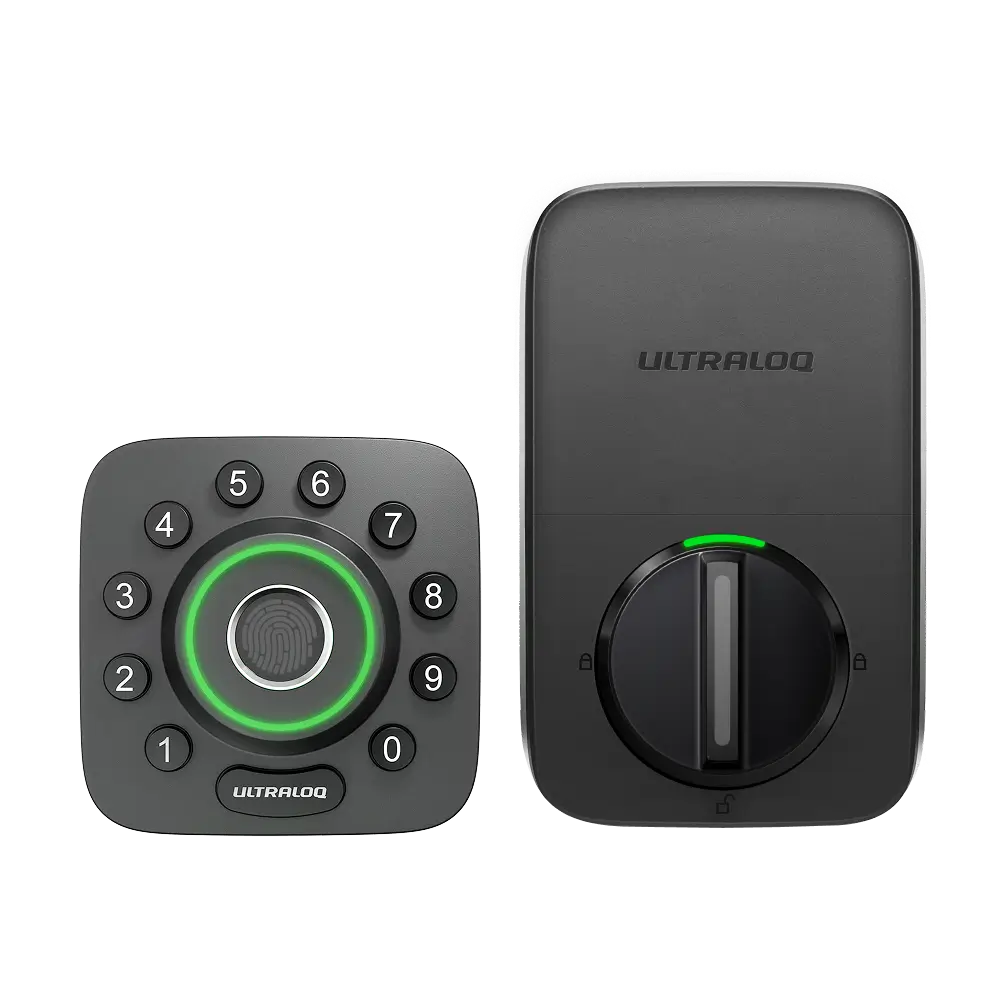
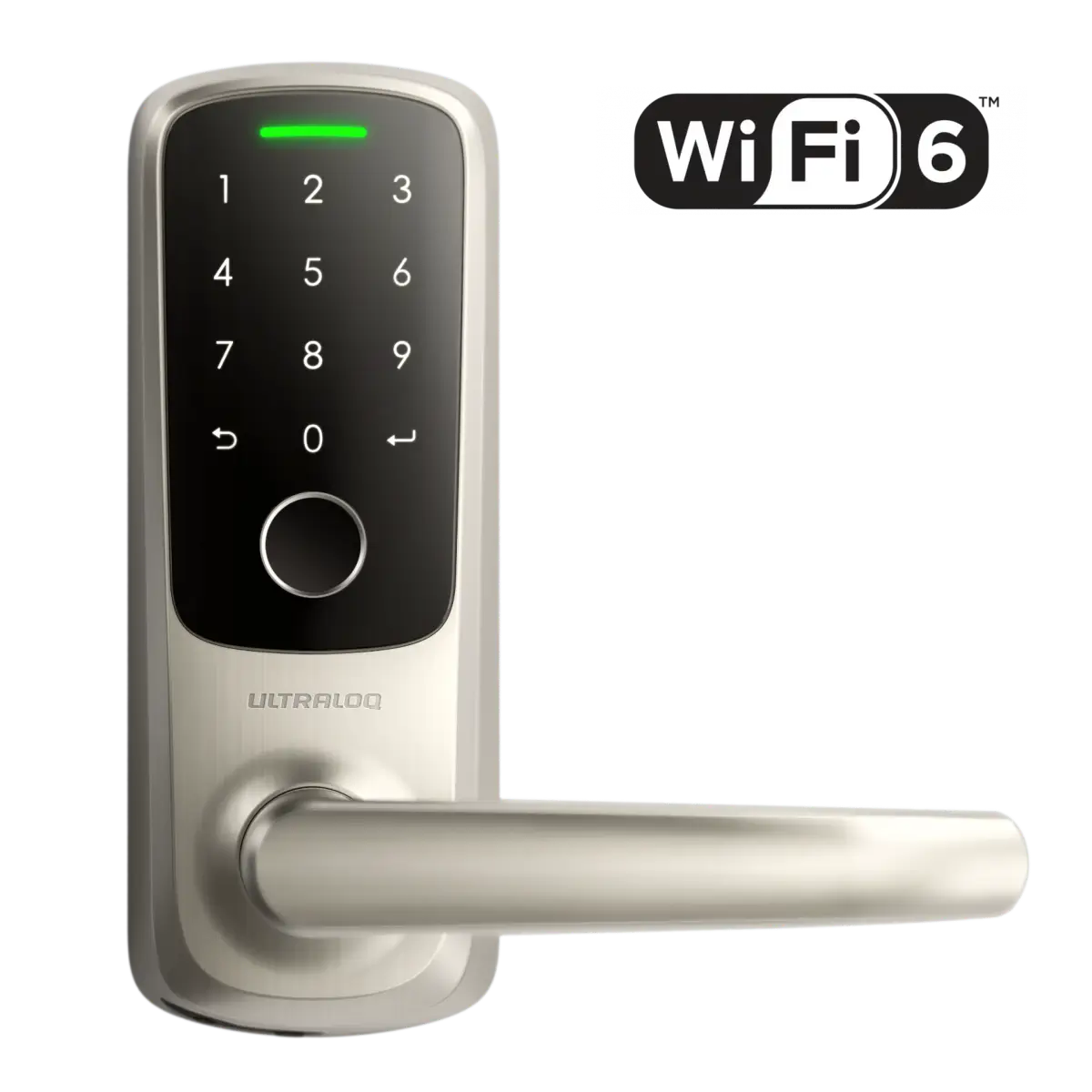
Input the Passcode then press the “ULTRALOQ” or “↵” Button to unlock the door.
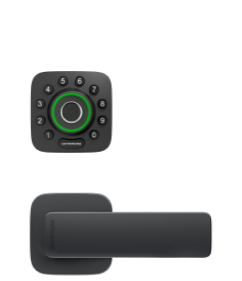
If you want to unlock the lock via Xthings Home(Formerly U home) App or Fingerprint/Keycard, please register your own Xthings Home(Formerly U home) account with the email that the owner added for you, and log in to the Xthings Home(Formerly U home) App to program your unlock method.
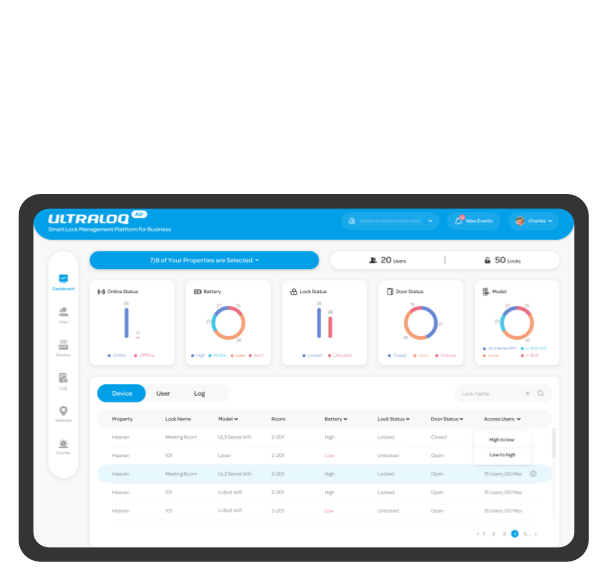
Click here to create your own account. You can log in to this account to Xthings Home(Formerly U home) App & ULTRALOQ Air.
If you already have a Xthings Home(Formerly U home) account but forget the password, please click here to reset the password.
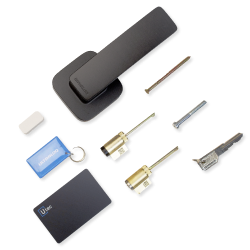
After logging in to your Xthings Home(Formerly U home) App, you will be able to unlock the door via the Xthings Home(Formerly U home) App or add a Fingerprint/Keycard by yourself.