




Required hardware:
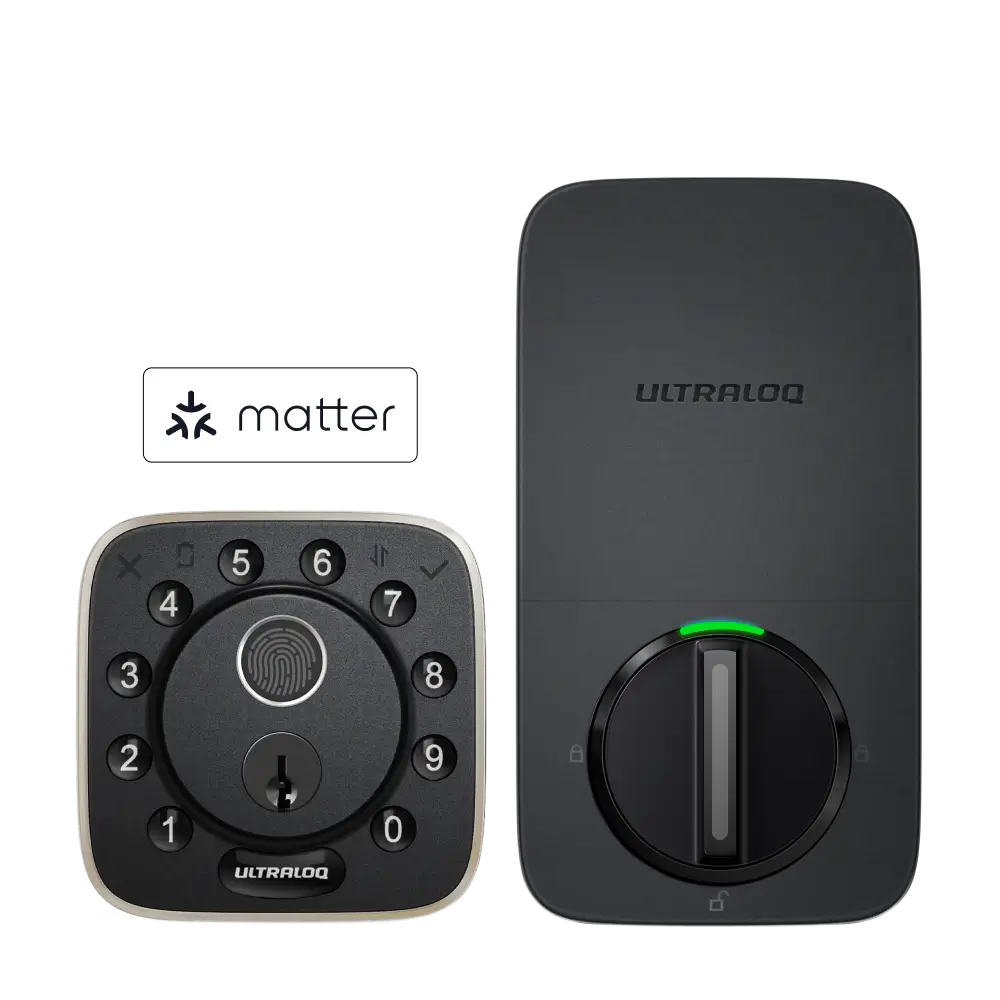
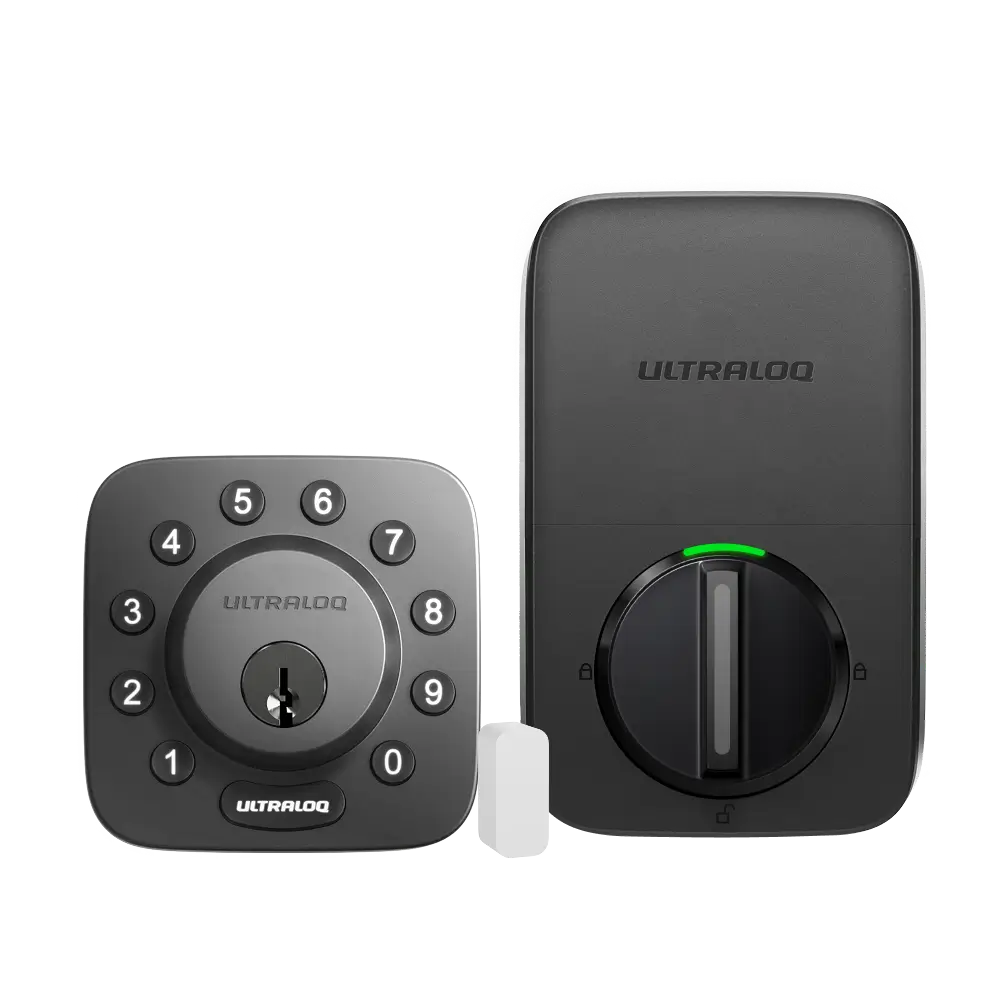
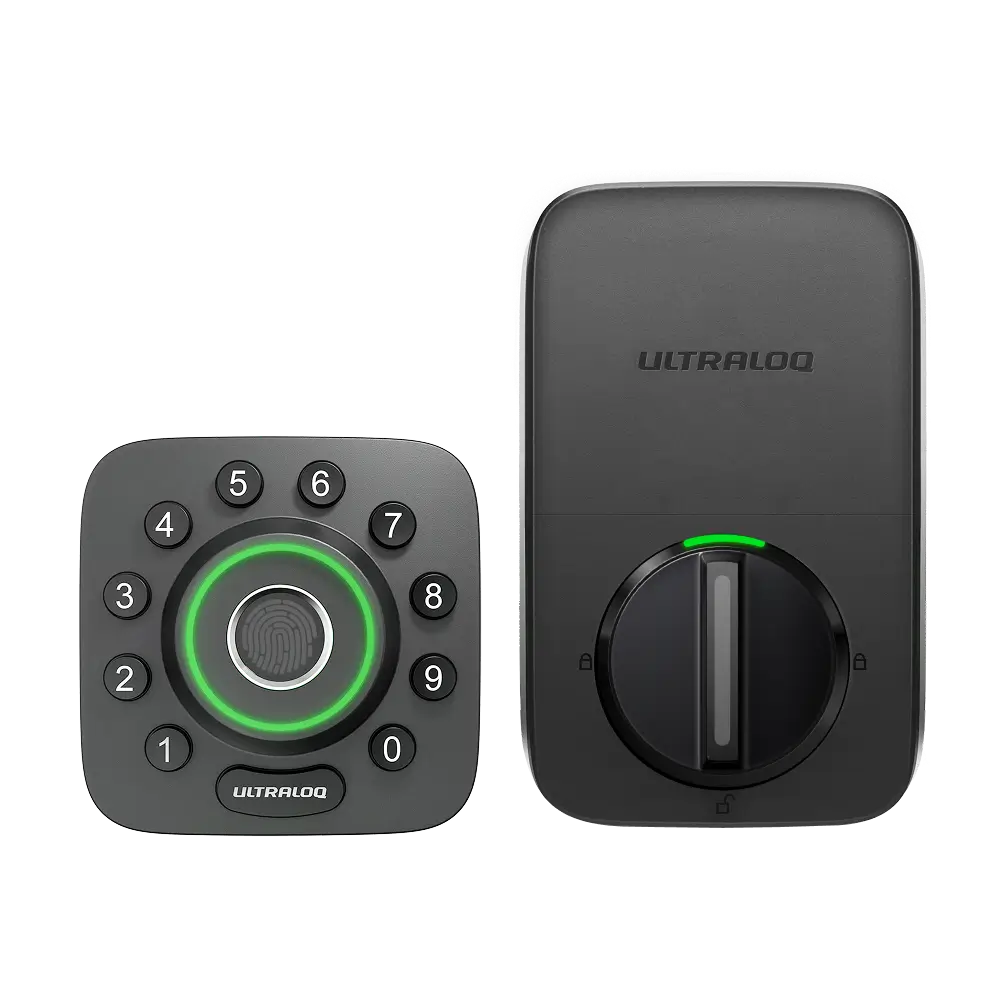
1. Ultraloq U-Bolt Z-Wave or U-Bolt Pro Z-Wave.
2. Ring Hub
Required App:
1. Xthings Home(Formerly U home) App.
2. Ring App
How to set up?
Step 1. Open Xthings Home(Formerly U home) app--U-Bolt Z-Wave--Settings--Z-Wave control. Tap Add to Z-Wave hub.
Step 2. Tap Start the Inclusion, the app will show "Connecting to Z-Wave Hub", keep this interface running then open the Ring App.
Step 3. Open the Ring App, tap the upper-left corner, then choose Z-Wave Locks.
Step 4. Tap Z-Wave then choose ADD MANUALLY.
Step 5. Tap the ADD button then enter the code. You can find this code on the battery cover. then tap ENTER CODE.
Step 6. Tap the DONE button to finish the setup step.
Step 7. Open the Xthings Home(Formerly U home) app. You will find the status of Z-Wave Control turns to Paired.
Step 8. Open the Ring app, you can control and check the lock status now.
How to set disconnect?
Step 1. Open the Ring app, find the device then tap Device settings.
Step 2. Tap Remove. Keep the Ring app running, then open the Xthings Home(Formerly U home) app.
Step 3. Open the Xthings Home(Formerly U home) app--U-Bolt Z-Wave--Settings--Z-Wave control. Tap Remove from Z-Wave hub.
Step 4. Tap Start the Exclusion, the app will turn to the "Disconnecting from Z-Wave Hub" page.
Step 5. After a few seconds, the device will be removed successfully.