
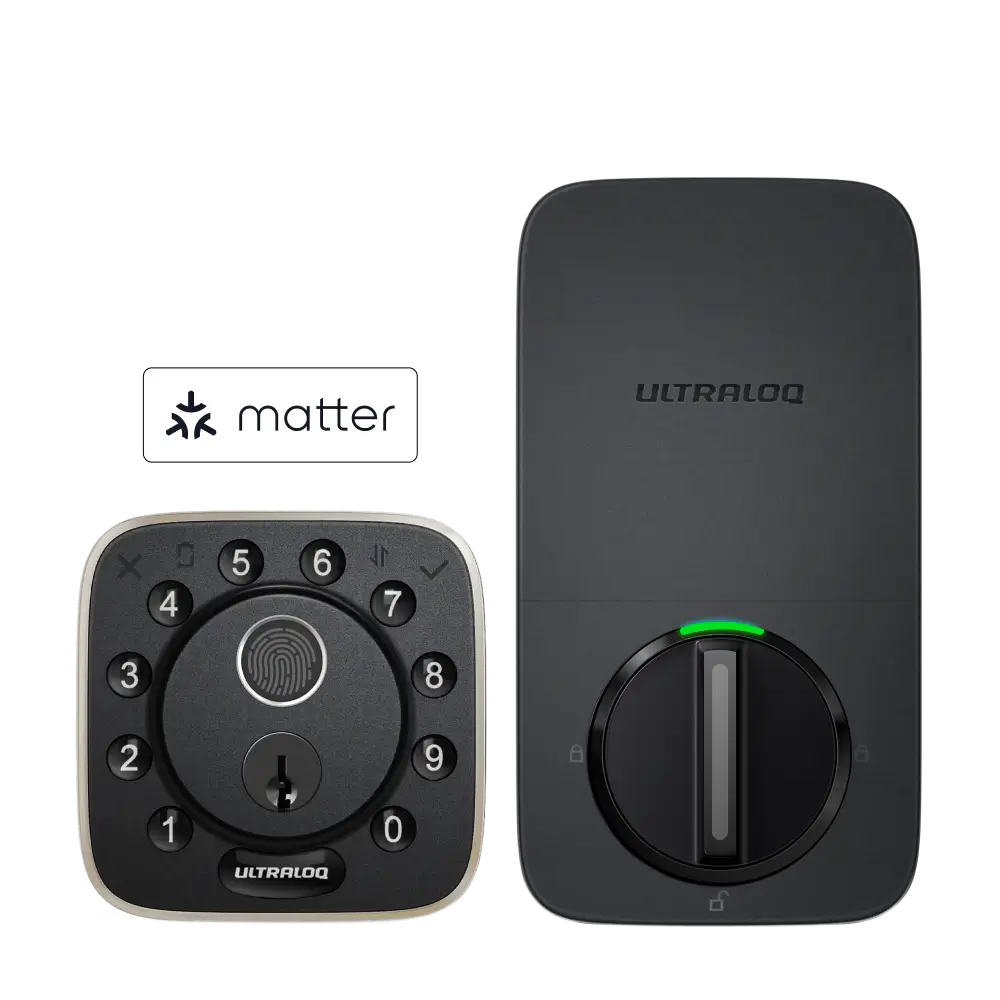

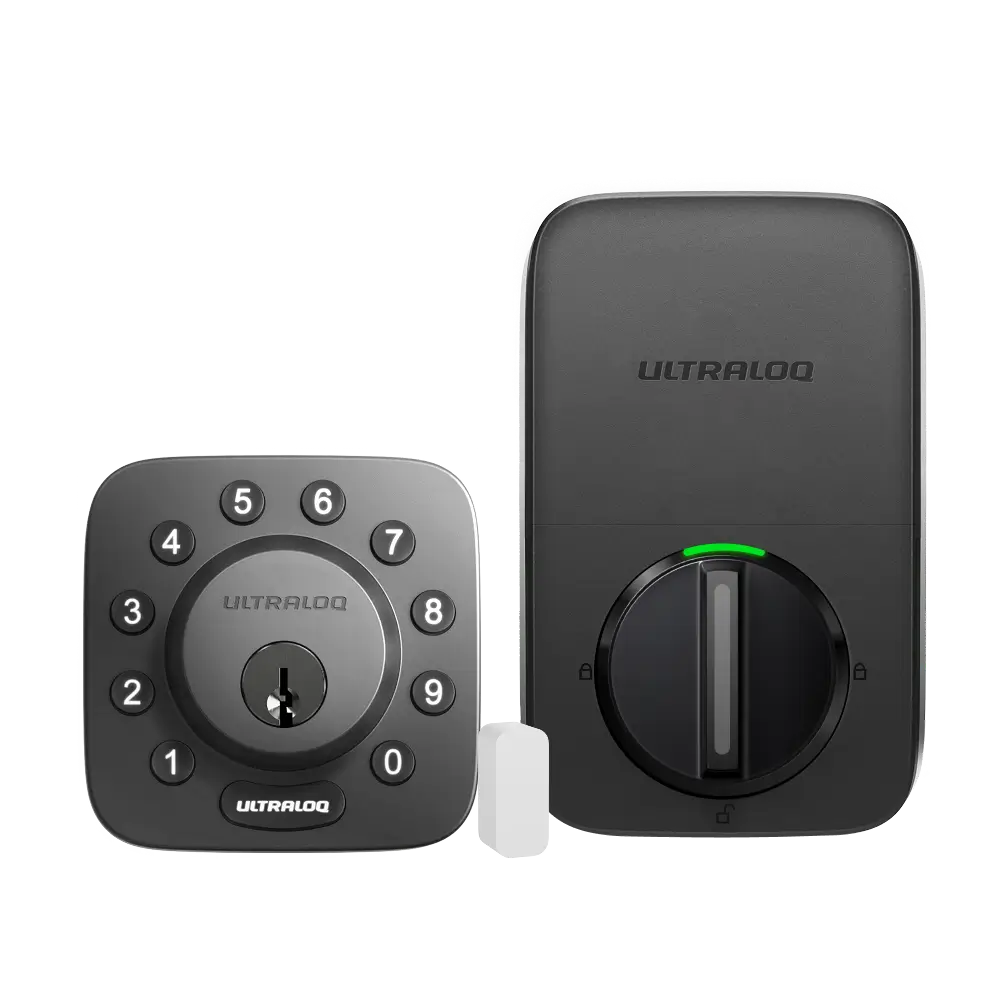
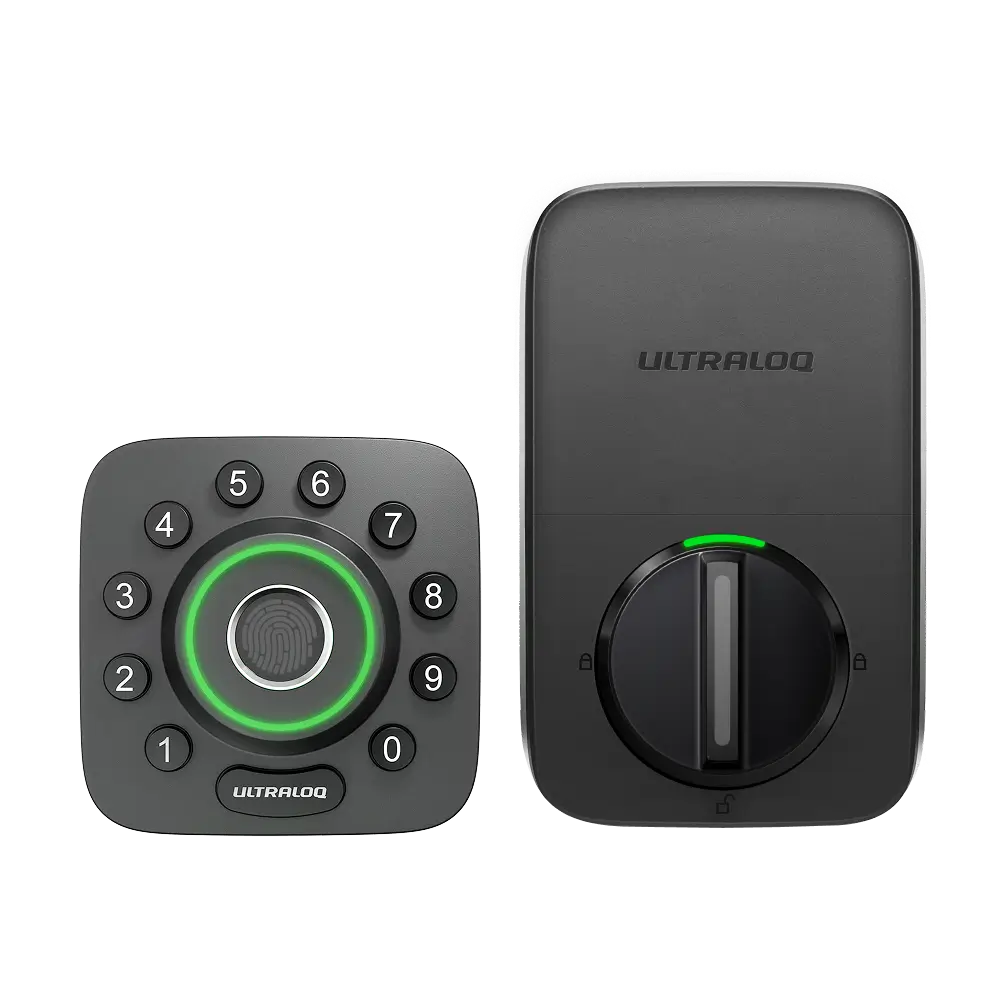
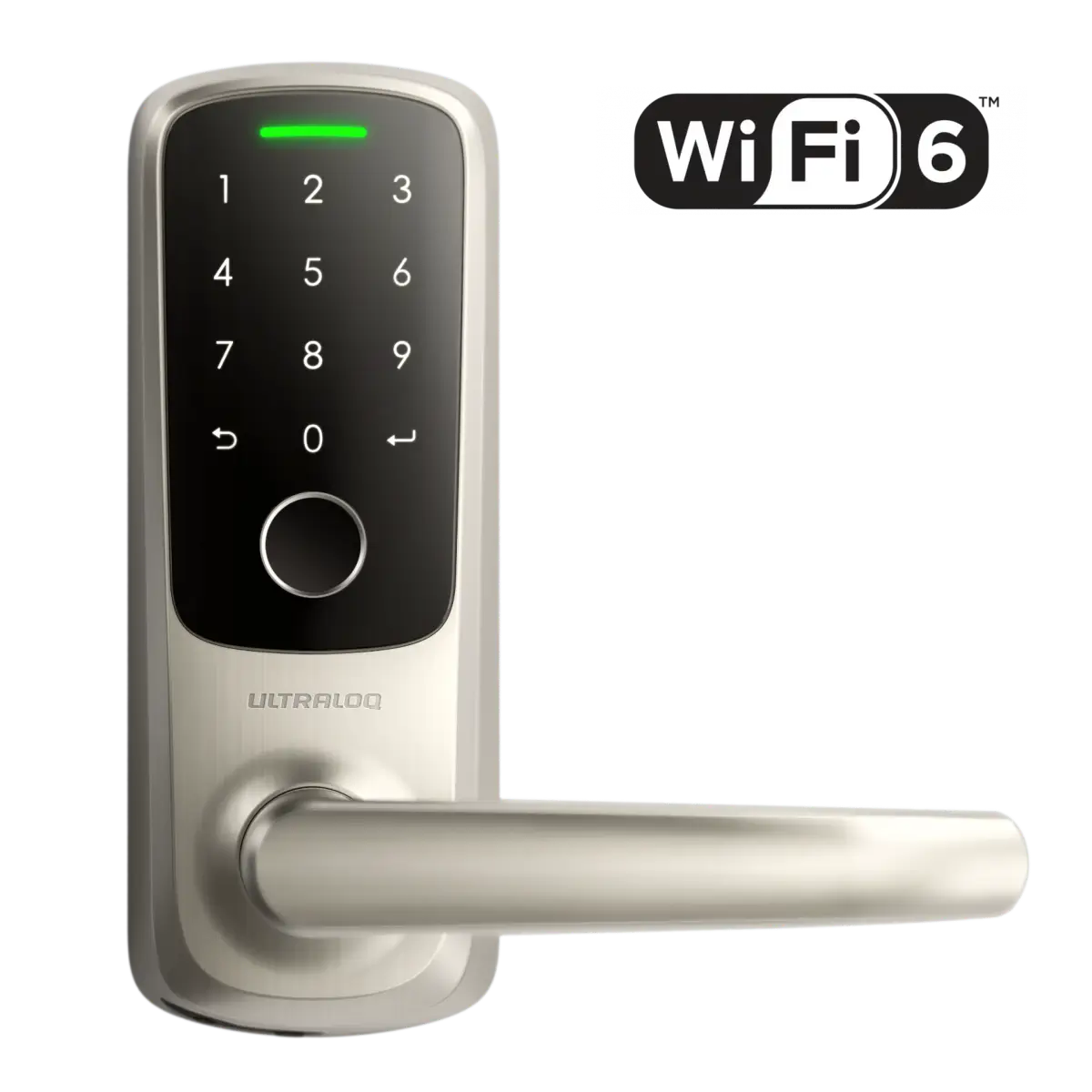
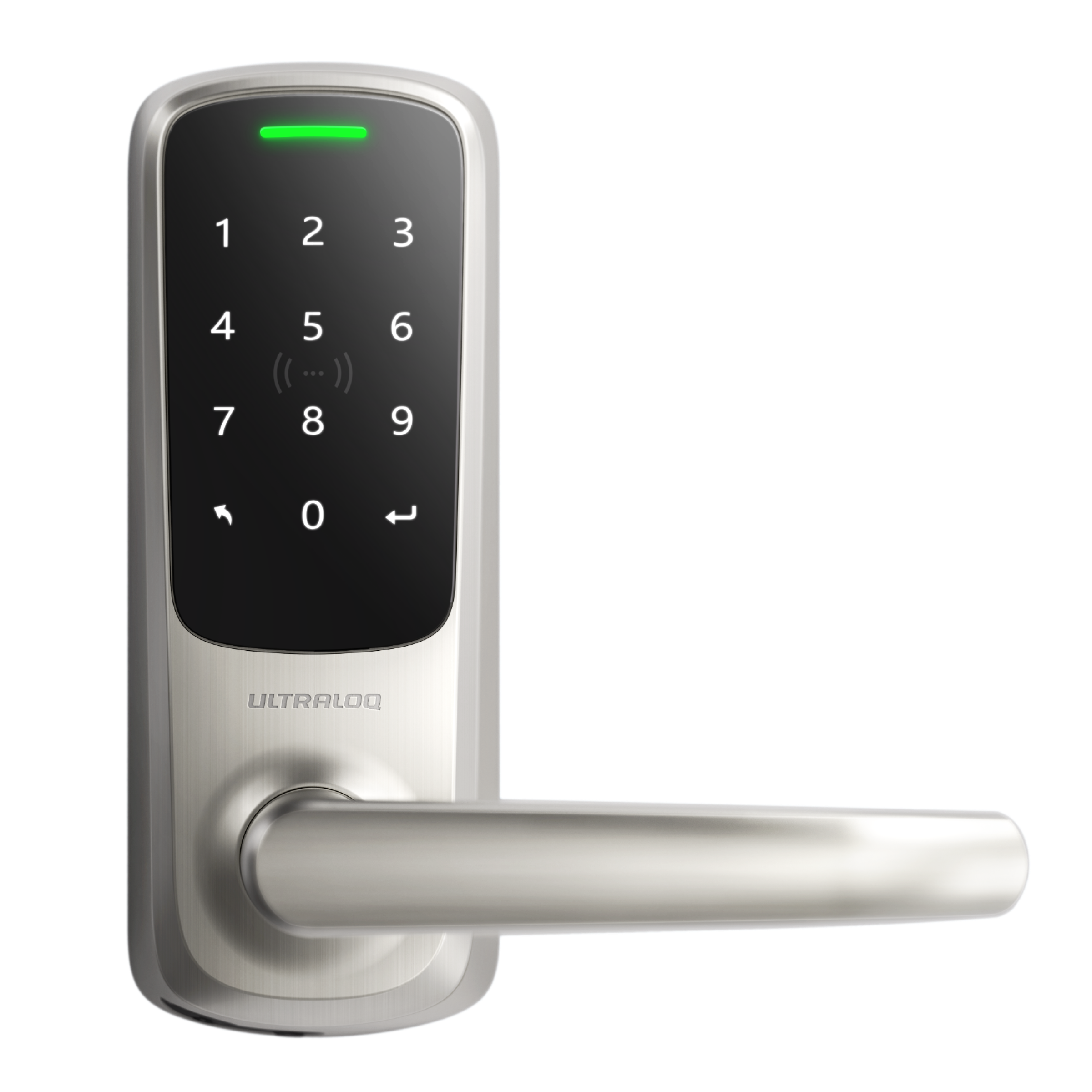



Step 1. Follow the Installation Guide to complete the installation of Ultraloq Bolt Series.
Step 2. Calibrate the direction of Ultraloq Bolt Series.


Step 1. Follow the Installation Guide to complete the installation of Ultraloq Bolt Series.
Step 2. Calibrate the direction of Ultraloq Bolt Series.