
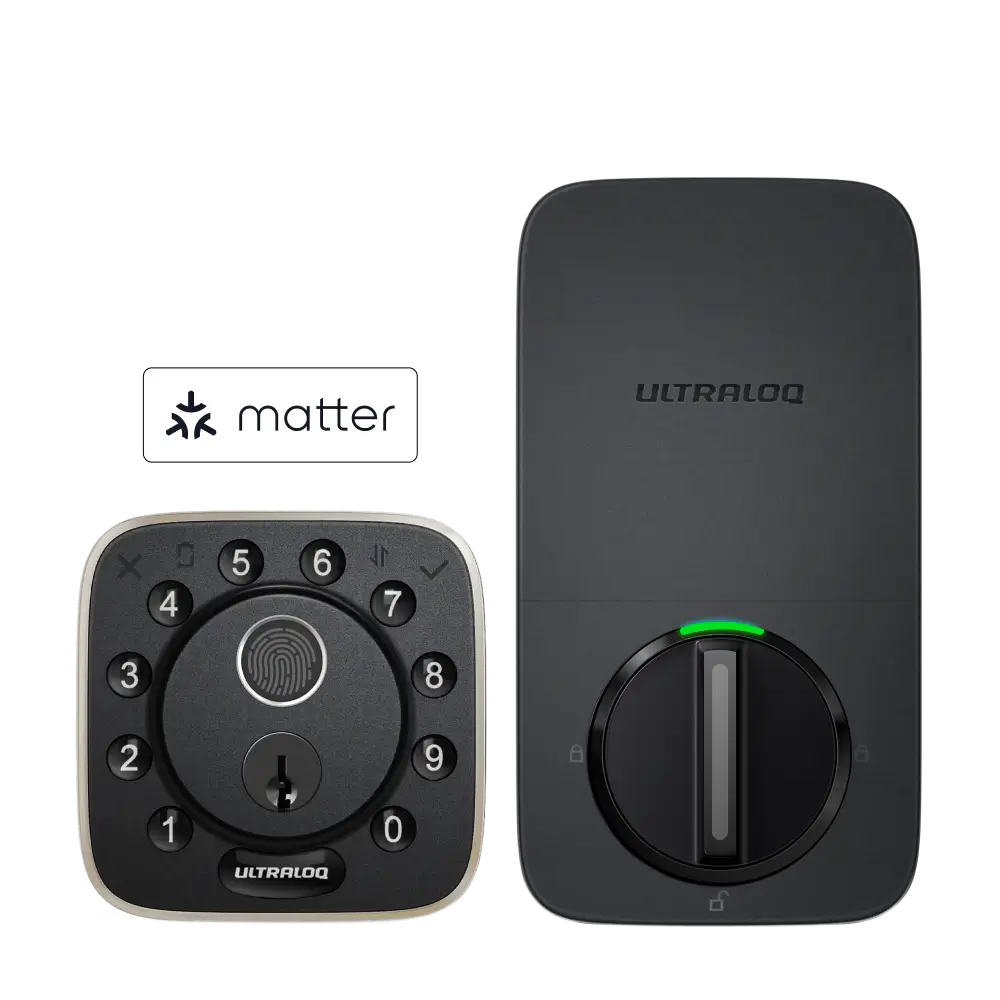




Open the Apple Home App on your iPhone
- Open the Apple Home app on your iPhone.
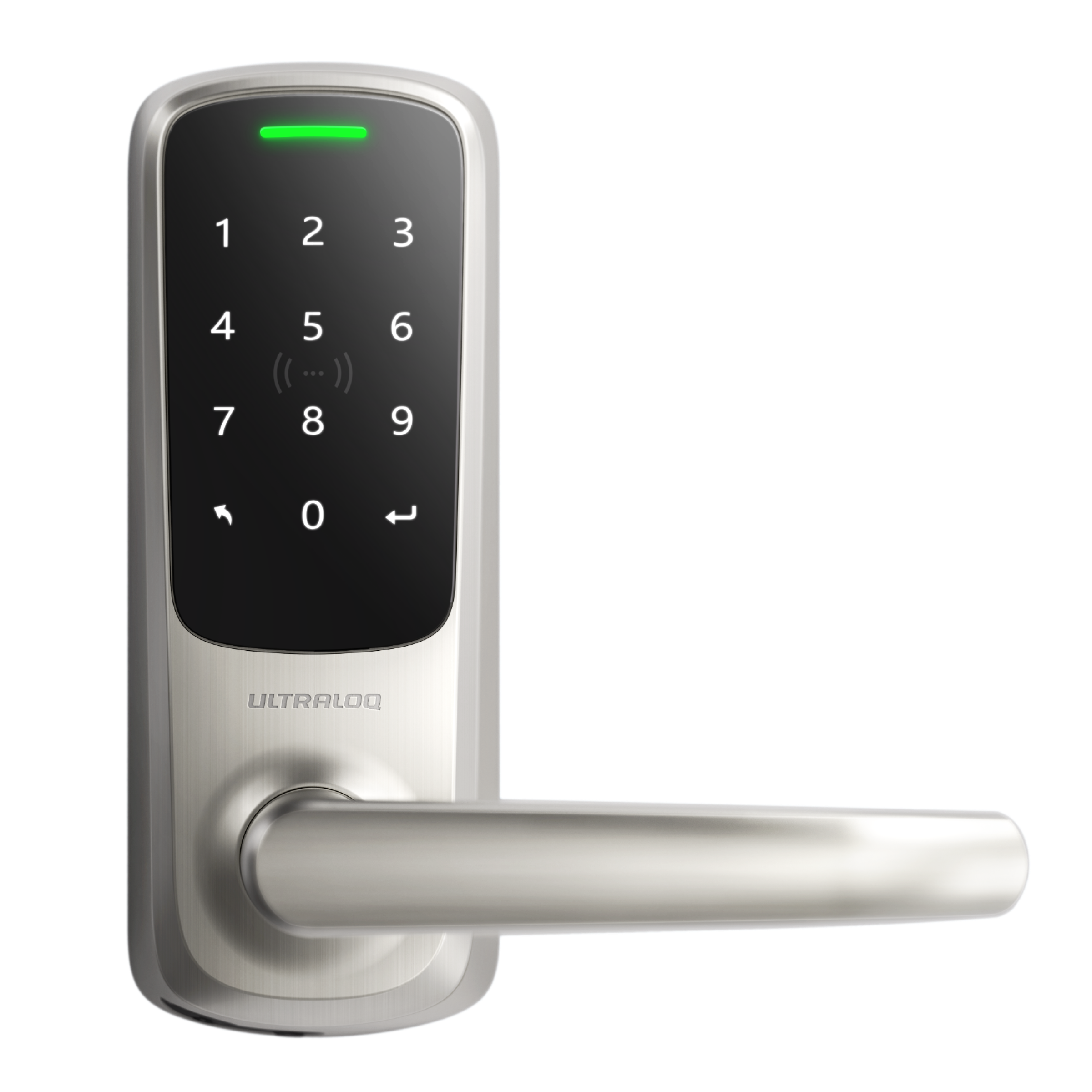
- Tap + → Add Accessory, and scan the QR code on the Bolt NFC’s battery cover.
- Assign the lock to a room and name it.
- When prompted, Add Home Key to Wallet.
- Choose an unlocking option:
- Express Mode (tap to unlock without Face/Touch ID)
- Require Face/Touch ID or passcode
- Optionally set a 4–8 digit keypad PIN. Once done, just tap your iPhone or Apple Watch to unlock.