
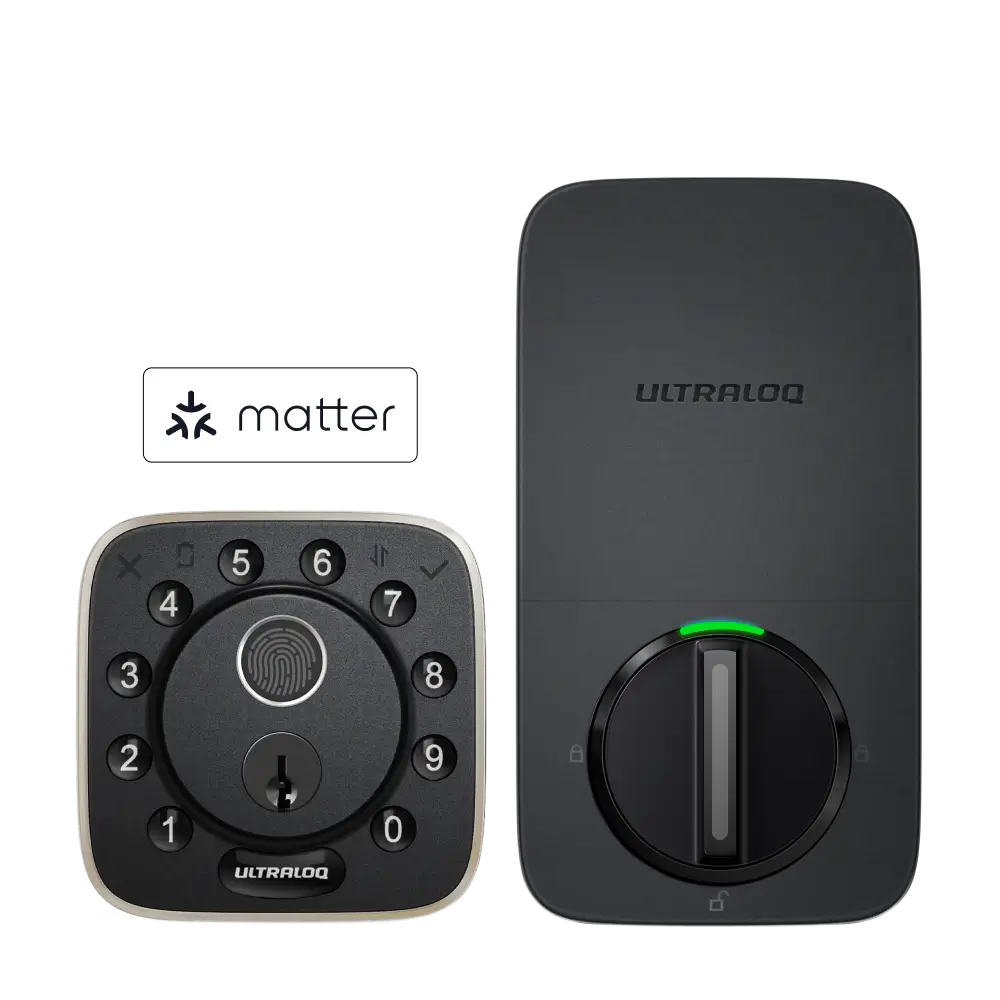

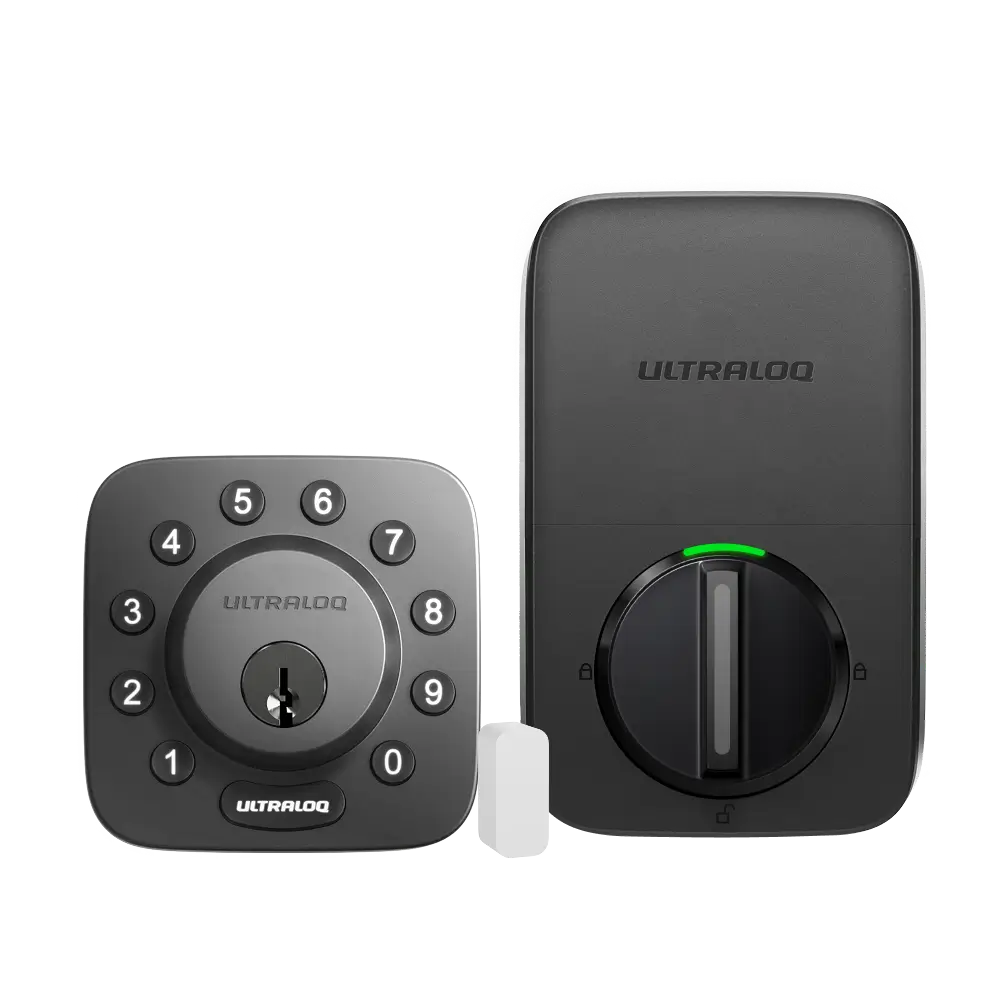
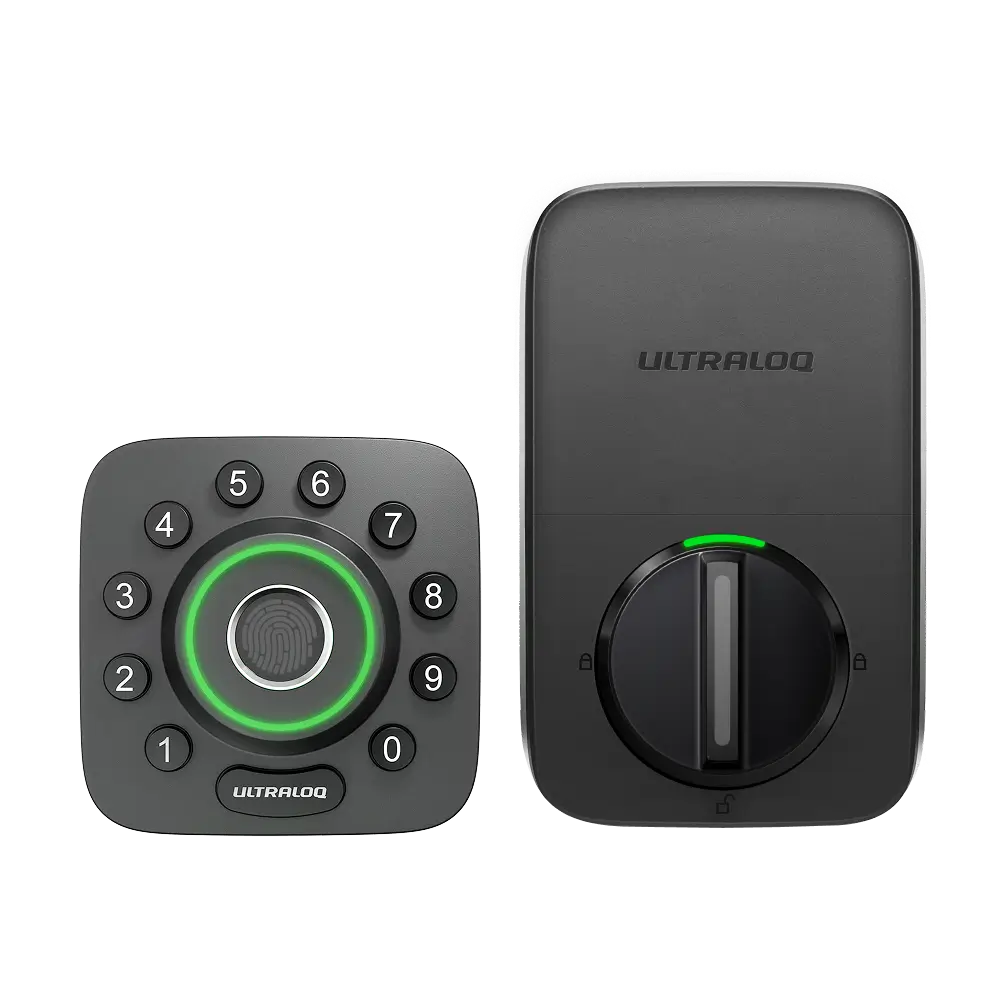
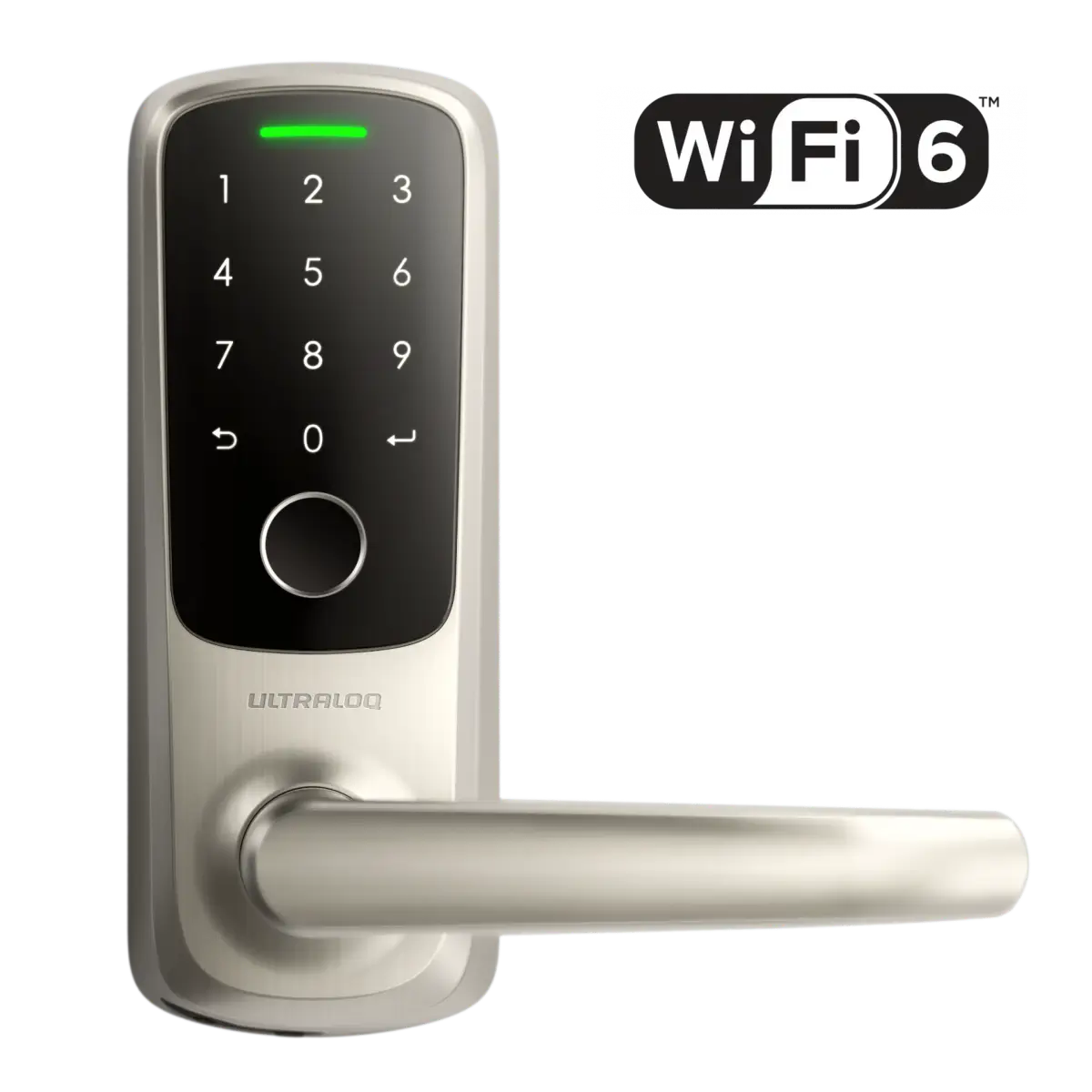
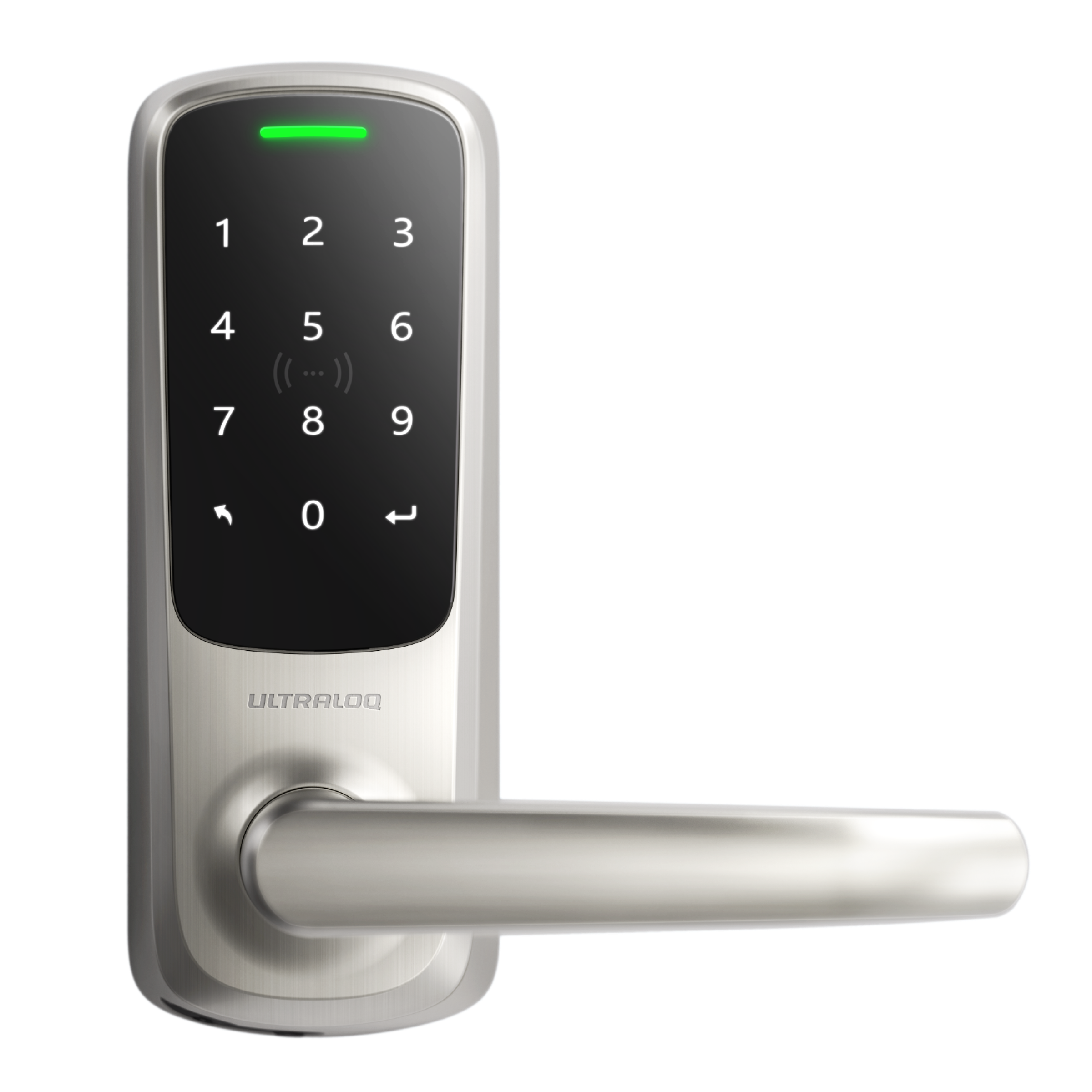



Tap your iPhone or Apple Watch to unlock your Bolt NFC — no need to wake the screen or open an app.
Open the Apple Home App on your iPhone
- Open the Apple Home app on your iPhone.
- Tap + → Add Accessory, and scan the QR code on the Bolt NFC’s battery cover.
- Assign the lock to a room and name it.
- When prompted, add Home Key to Wallet.
- Choose an unlocking option:
- Express Mode (tap to unlock without Face/Touch ID)
- Require Face/Touch ID or passcode
- Optionally set a 4–8 digit keypad PIN. Once done, just tap your iPhone or Apple Watch to unlock.
Quick Notes / Tips
- Use Express Mode for the fastest tap-to-unlock (no user authentication).
- Keep firmware updated via the Xthings Home(Formerly U home) App for best stability.
- If you lack a Home Hub, your Apple Home remote/shared capabilities are limited. You can still use the Xthings Home(Formerly U home) App for remote access and share access.
- For remote control via Apple Home, make sure a Home Hub is active.