
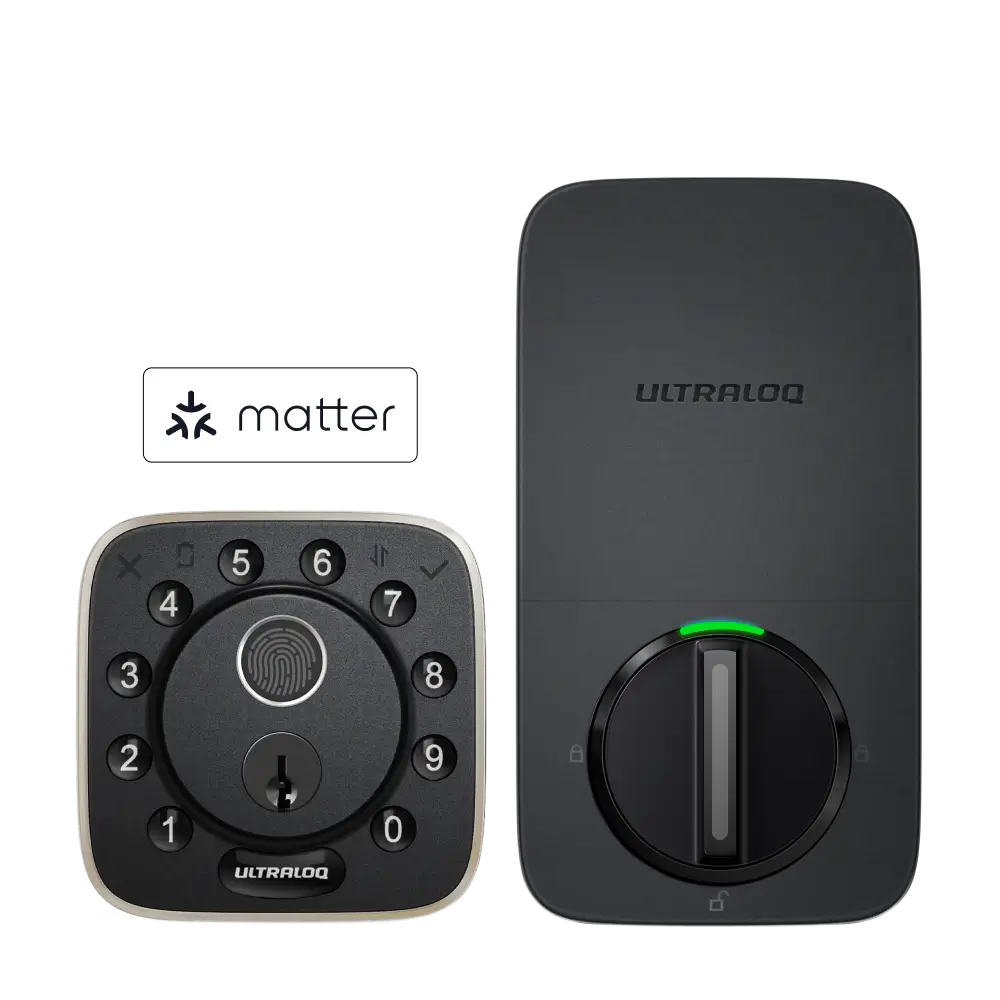

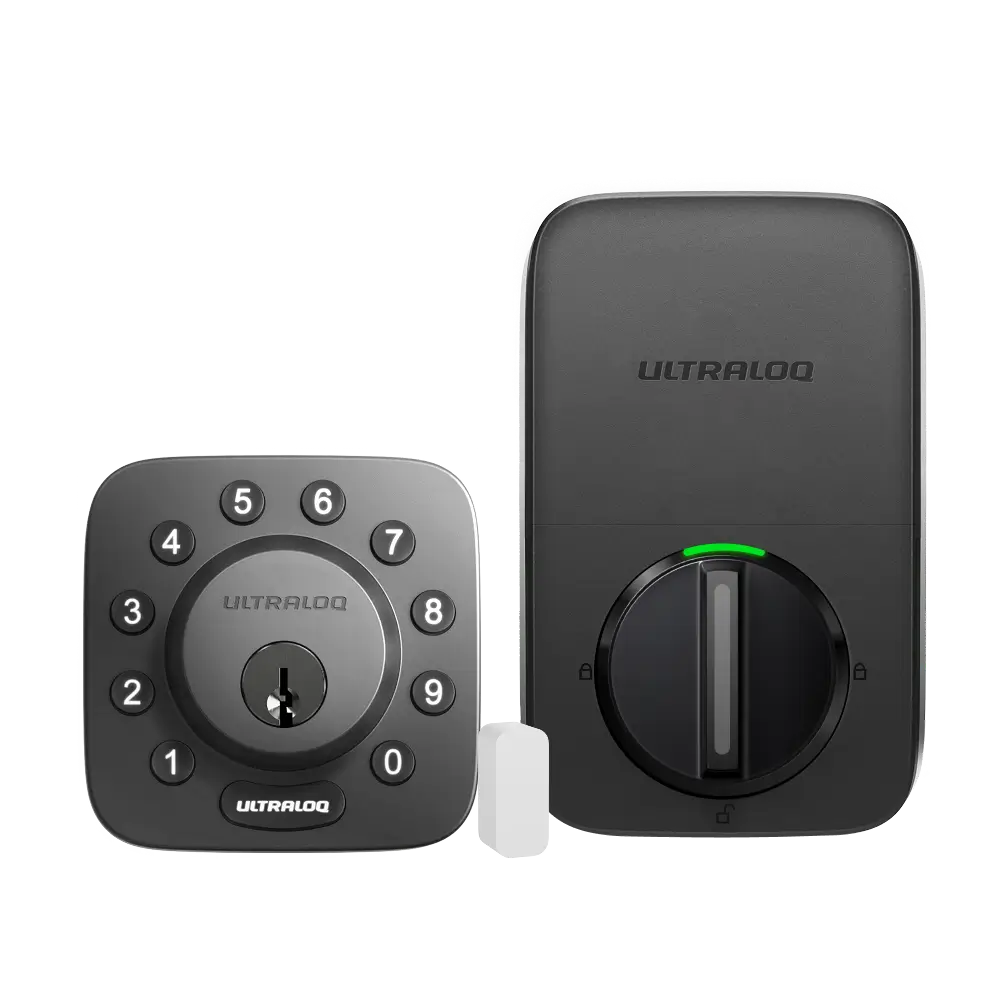
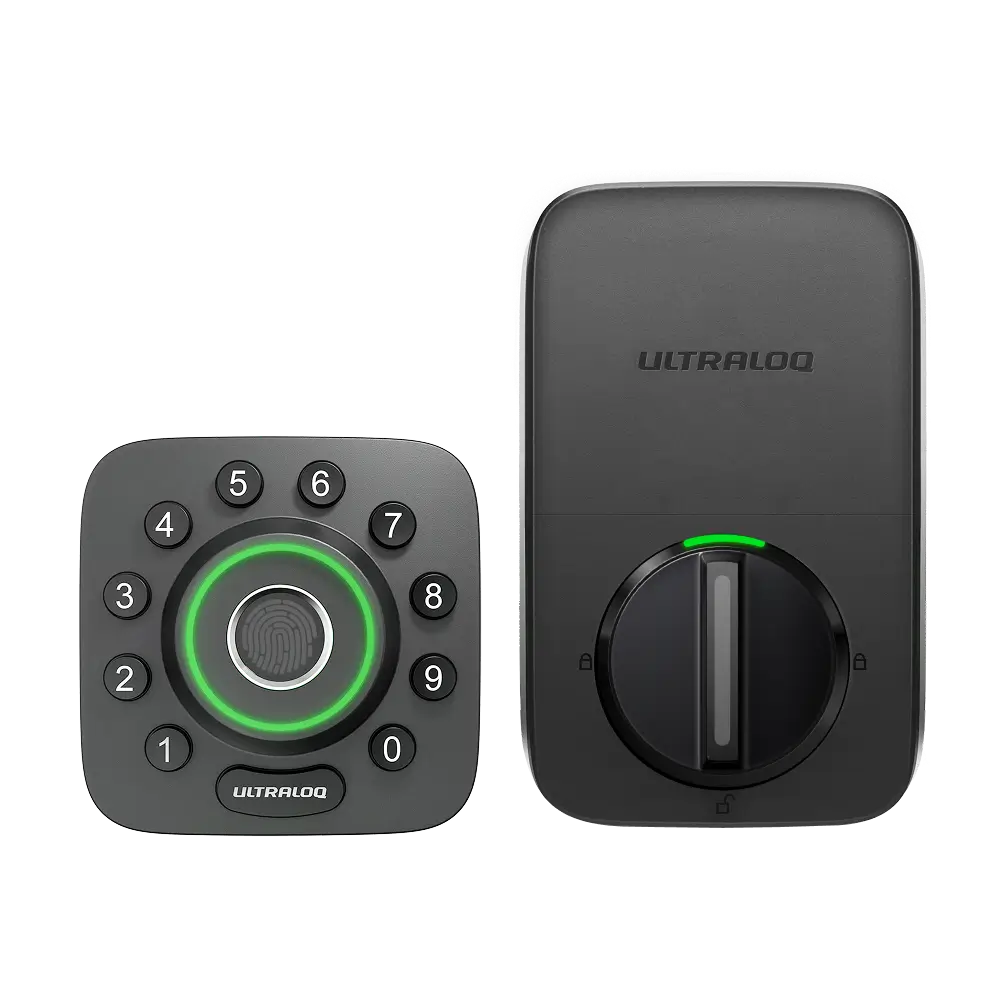
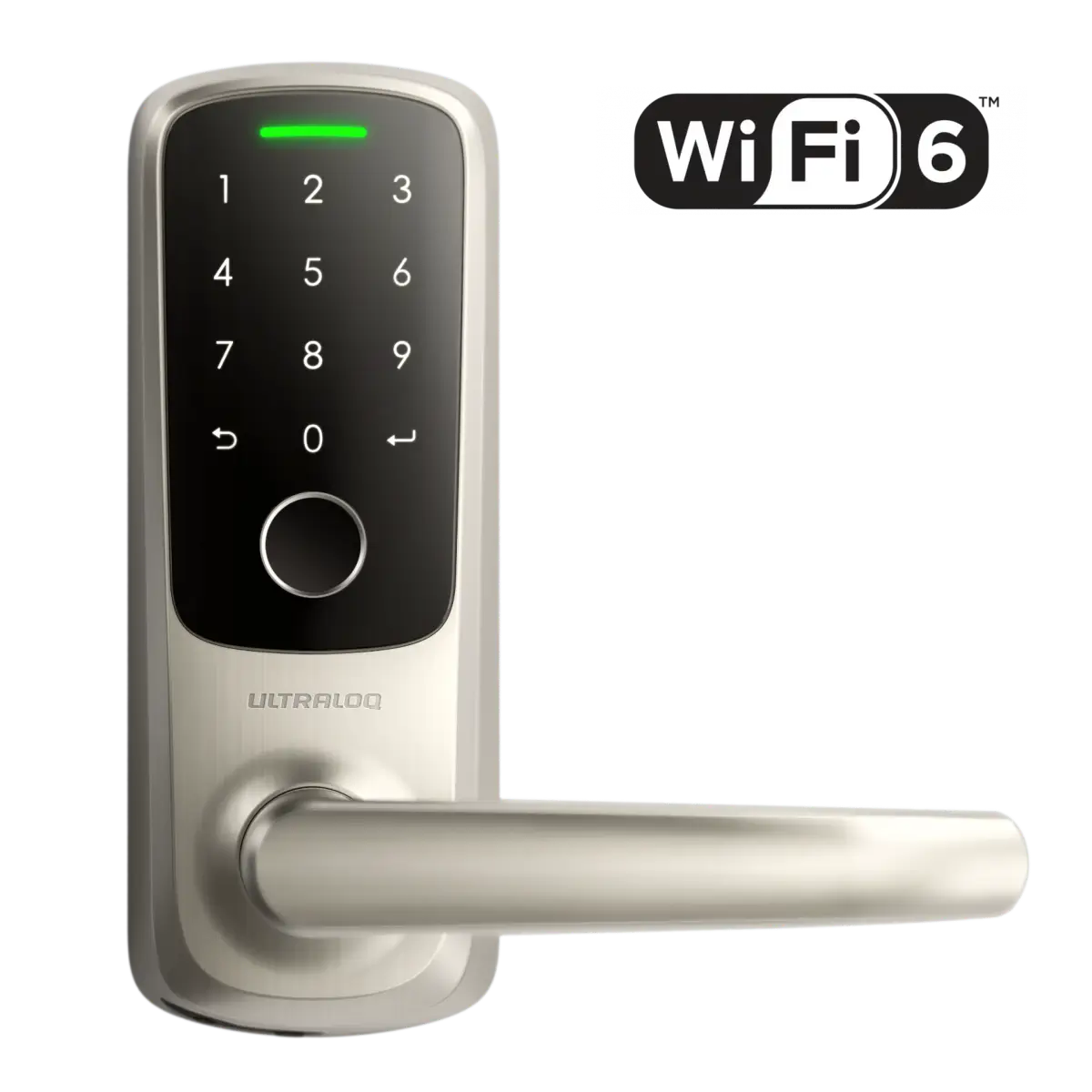



Here is the instruction about setting up Google Assistant with your Ultraloq. Please watch the video before setting.
How to set up?
Step 1. Open the Google Assistant App.
Step 2. Tap the Users icon, choose Settings, then tap Home control in the Assistant Tab.
Step 3. Tap the “Add device” and search for “Xthings Home”, then choose Xthings Home.
Step 4. Open the file with a browser, log in to your Google account, then log in to your Xthings Account.
Step 5. Choose “Authorize” and then input any 4-digit security code, tap “SET”, and the Xthings Home will be linked.